
WebDriverIO连接到Appium没有找到匹配能力
我正试图通过Appium将我的虚拟Android设备连接到我的Webdriverio脚本中,以实现一些测试的自动化。
我的功能设置如下:
capabilities: [{

    // The defaults you need to have in your config
    platformName: 'Android',
    browserName: 'chrome',
    maxInstances: 1,
    // For W3C the appium capabilities need to have an extension prefix
    // http://appium.io/docs/en/writing-running-appium/caps/
    // This is `appium:` for all Appium Capabilities which can be found here
    'appium:automationName': 'uiautomator2',
    'appium:platformVersion': '12.0',
    'appium:deviceName': 'emulator-5554',
    'appium:noReset': 'true'
}],
我有色度驱动器和Appium服务在运行:
services: ['appium', 'chromedriver']但是,当我试图运行我的脚本时,我总是会得到这样的错误:
ERROR webdriver: Request failed with status 500 due to session not created: session not created: No matching capabilities found我试着改变能力。更改设备名称以匹配另一个正在运行的设备。我还尝试删除appium前缀,只需编写功能名称,但是这会导致更多的错误。
任何帮助都将不胜感激。
回答 2
Stack Overflow用户
发布于 2022-07-08 20:15:11
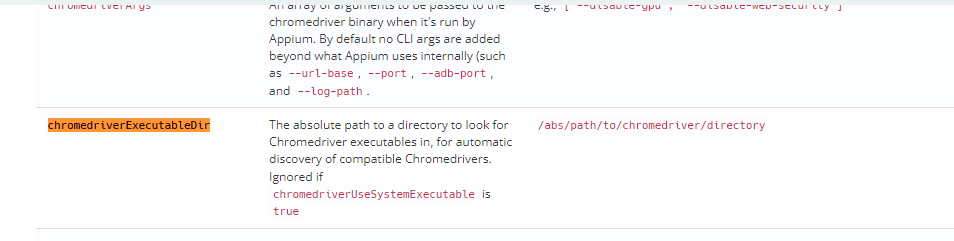
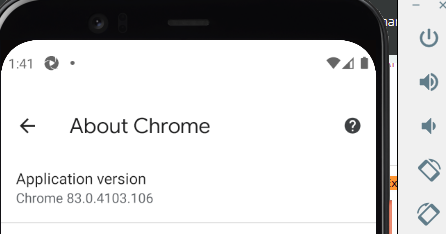
嗨,我想你缺少其中一个功能,下面是从appium桌面使用的功能,它确实对我起作用,那就是“chromedriverExecutableDir”,它为铬驱动程序可执行文件夹采取绝对路径。另外,请确保在模拟器中检查铬版并相应地使用它。
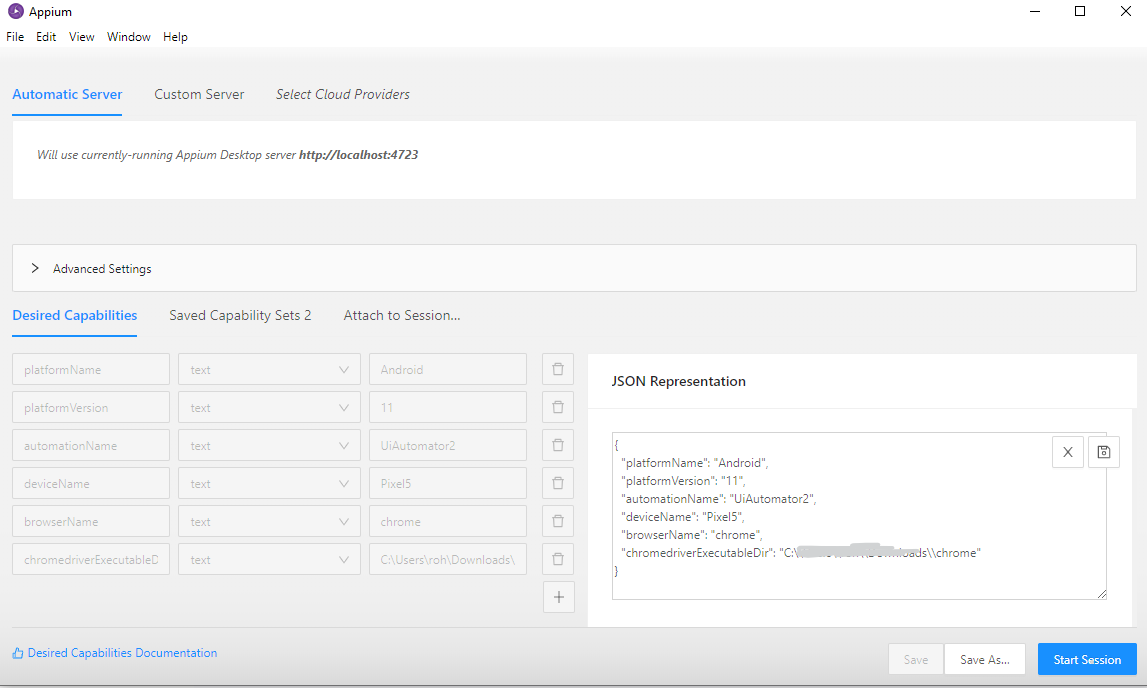
 "platformName": "Android",
  "platformVersion": "11",
  "automationName": "UiAutomator2",
  "deviceName": "Pixel5",
  "browserName": "chrome",
"chromedriverExecutableDir": "C:\\absolute\\path\\to\\chromedriver"相同的Appium文档屏幕截图和参考链接如下所示:https://appium.io/docs/en/writing-running-appium/caps/
这是如何在模拟器中检查铬驱动程序版本。
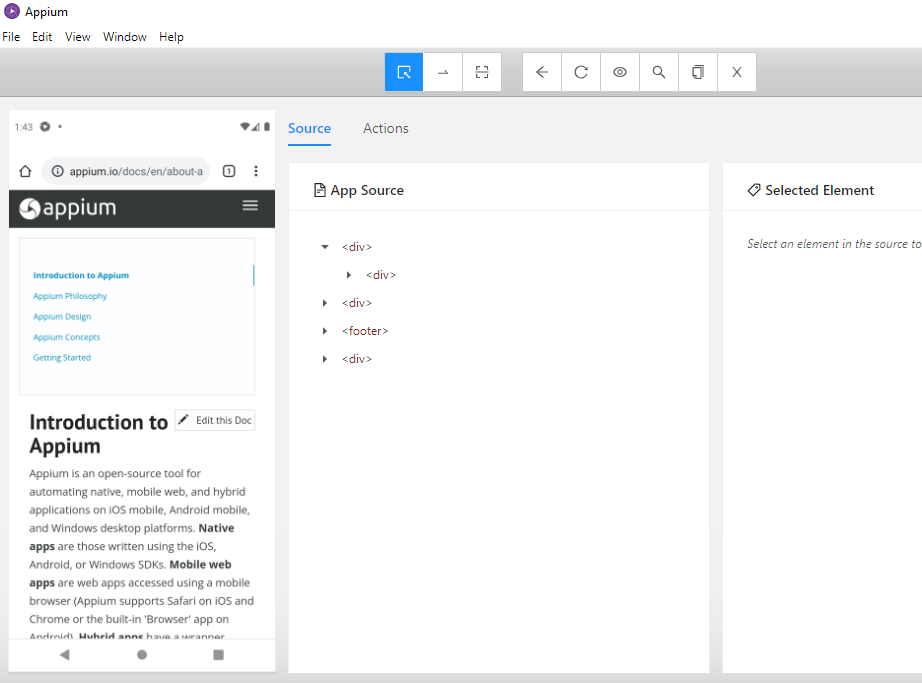
有关从appium桌面应用程序测试您的功能,请参考下面的屏幕。
Stack Overflow用户
发布于 2022-07-12 09:16:38
如果您正在使用安装在移动设备中的应用程序进行测试,还可以使用appium:appPackage和appium:appActivity属性。下面是一个打开wdio.demo应用程序的示例。
   capabilities: [{
        "platformName": "Android",
        "appium:udid": "emulator-5554",
        "appium:automationName": "UiAutomator2",
        "appium:appPackage": "io.appium.android.apis",
        "appium:appActivity": ".ApiDemos",
        "appium:platformVersion": "11"
      }]
此外,您可能需要wdio.conf.js文件中的以下详细信息,
services: [
    ['appium', {
        args: {
            address: 'localhost',
            port: 4723
        },
        logPath:'./',
    }]
],https://stackoverflow.com/questions/72916089
复制相似问题
腾讯云开发者

Copyright © 2013 - 2026 Tencent Cloud. All Rights Reserved. 腾讯云 版权所有
深圳市腾讯计算机系统有限公司 ICP备案/许可证号:粤B2-20090059  粤公网安备44030502008569号
腾讯云计算(北京)有限责任公司 京ICP证150476号 | 京ICP备11018762号