
字型家族在完全移除家庭后不会改变
字型家族在完全移除家庭后不会改变
提问于 2022-07-03 20:26:49
我在我的Nextjs项目中导入并定义了一个名为Vazirmatn的字体,现在我想从Google字体中获取它。问题是,我删除了提到字体的任何CSS,删除了字体文件,以及它的任何远程导入,但是字体族在所有页面上仍然是相同的,我检查加载到页面中的每个CSS,没有找到任何本地或远程引用字体。
下面是404页的代码(文本也是我的母语和字体)
import Image from "next/image"

export default function() {

    return (
        <>
        <div className='w-full h-full flex justify-center mt-7'>
        <Image src={'/404-page-not-found.svg'} width={'500px'} height={'500px'} ></Image>
        </div>
        <p><span style={{color:'#00ADB5'}} >خطای 404</span> نتونستیم صفحه ای که میخواستی رو پیدا کنیم</p>
        </>
    )
};这是我的global.css
@tailwind base;
@tailwind components;
@tailwind utilities;

/* @import url('https://fonts.googleapis.com/css2?family=Vazirmatn:wght@100;200;300;400;500;600;700;800;900&display=swap'); */

html,
body {
  padding: 0;
  margin: 0;
  font-family: -apple-system, BlinkMacSystemFont, Segoe UI, Roboto, Oxygen,
  Ubuntu, Cantarell, Fira Sans, Droid Sans, Helvetica Neue, sans-serif !important;
    overflow-x: hidden;
}

a {
  color: #04cc;
  text-decoration: none;
}

* {
  box-sizing: border-box;
}

#__next {
  width: 100vw;
  height: 100vh;
}

span[data-slate-placeholder="true"] {
  opacity:0.5 !important;
}

.ck-editor {
  width: 50% !important;
}

li {
  margin-right: 15px;
}

ul li {
  list-style-type: disc;
}
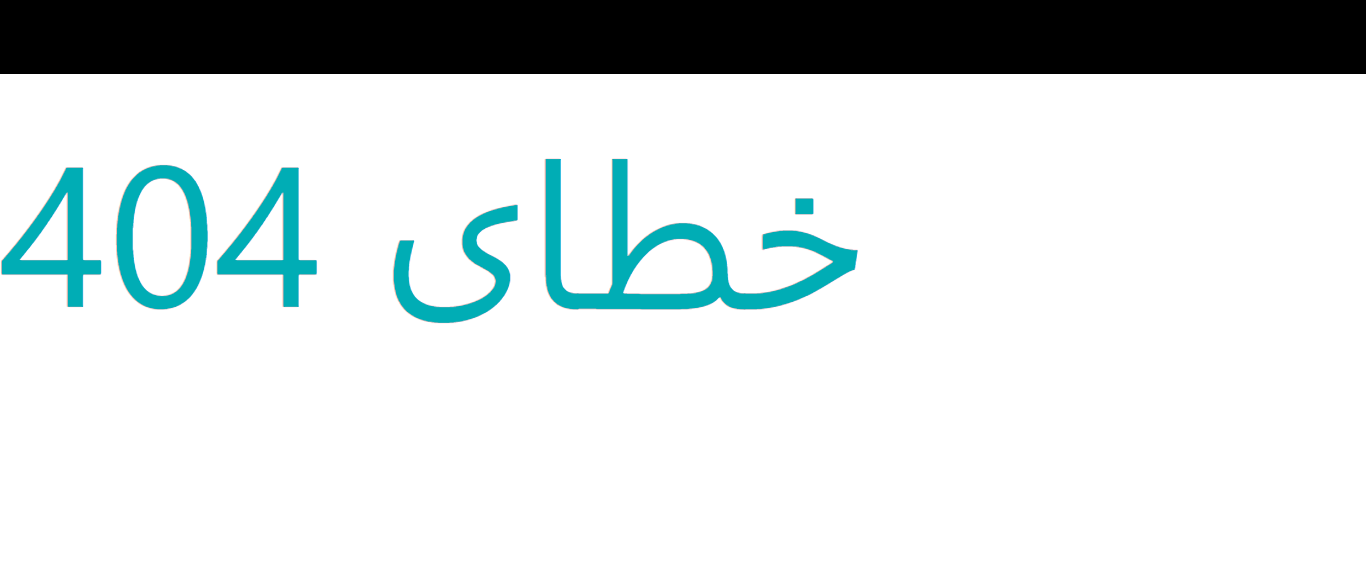
这是页面的外观。
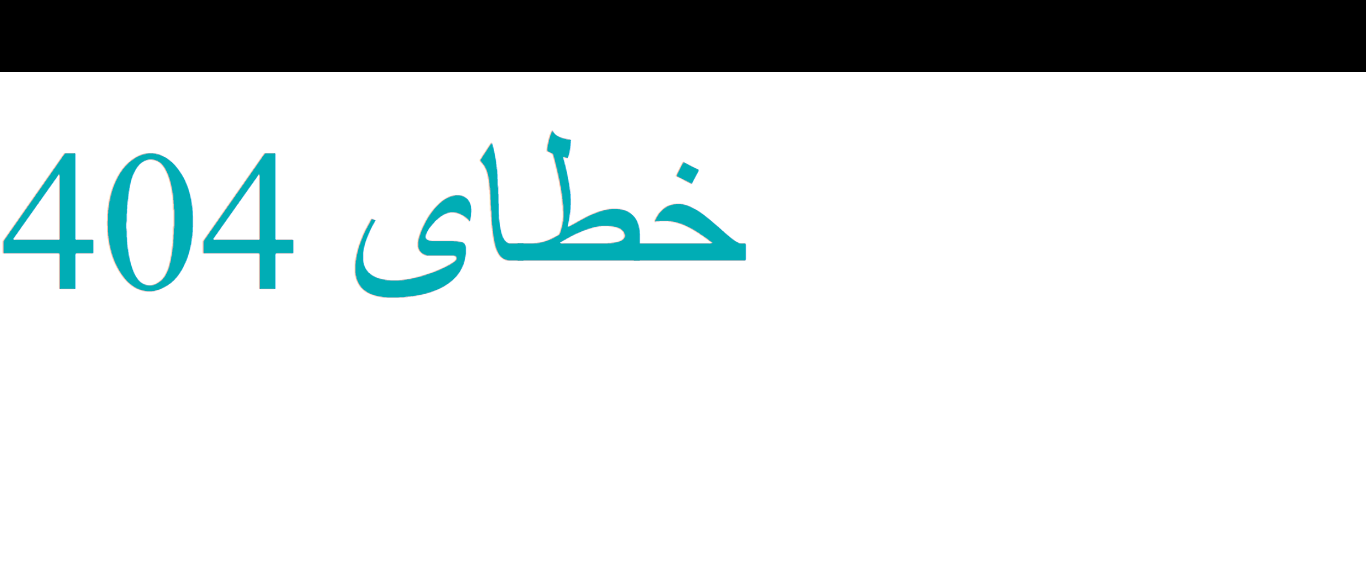
这就是我想要的样子
回答 2
Stack Overflow用户
回答已采纳
发布于 2022-07-04 12:15:38
很抱歉浪费了你的时间,我意识到正在呈现的字体不是Vazirmatn,而是Segoe UI和我不知道这是阿拉伯字体对不起
Stack Overflow用户
发布于 2022-07-03 20:59:05
浏览器仍然呈现旧字体,因为它仍然在页面上运行相同的代码。
您需要进入浏览器设置并清除缓存。它应该与删除浏览器历史记录和cookie的设置一起使用。
页面原文内容由Stack Overflow提供。腾讯云小微IT领域专用引擎提供翻译支持
原文链接:
https://stackoverflow.com/questions/72849672
复制相关文章
相似问题
腾讯云开发者

Copyright © 2013 - 2026 Tencent Cloud. All Rights Reserved. 腾讯云 版权所有
深圳市腾讯计算机系统有限公司 ICP备案/许可证号:粤B2-20090059  粤公网安备44030502008569号
腾讯云计算(北京)有限责任公司 京ICP证150476号 | 京ICP备11018762号