
矩阵图的框架/边
矩阵图的框架/边
提问于 2022-06-26 20:10:45
我在一个情节上尝试不同的东西,只是为了练习和学习。现在我正试图用简单的边缘和白色背景来设计。我尝试过各种不同的方法,但都没有用。最后一次尝试是玩像代码中那样的“刺”。我得到的图片在下面。
‘
fig = plt.figure(facecolor=None, edgecolor='red', figsize=(20, 10))
# x-axis: date
ax = fig.add_subplot()
plt.title('Daily freeCodeCamp Forum Page Views 5/2016-12/2019')
plt.xlabel('Date')
plt.xticks(rotation=45)
ax.xaxis.set_major_locator(plt.MaxNLocator(8))
# y-axis: page views
plt.ylabel('Page Views')
# line-plot y vs x
ax.spines[:].visible = True
ax.spines[:].linewidth = 2
ax.spines[:].edgecolor = 'back'
# line-plot y vs x
ax.plot(df_filtered.sort_index().index, df_filtered.sort_index().value, '#DC143C')
‘
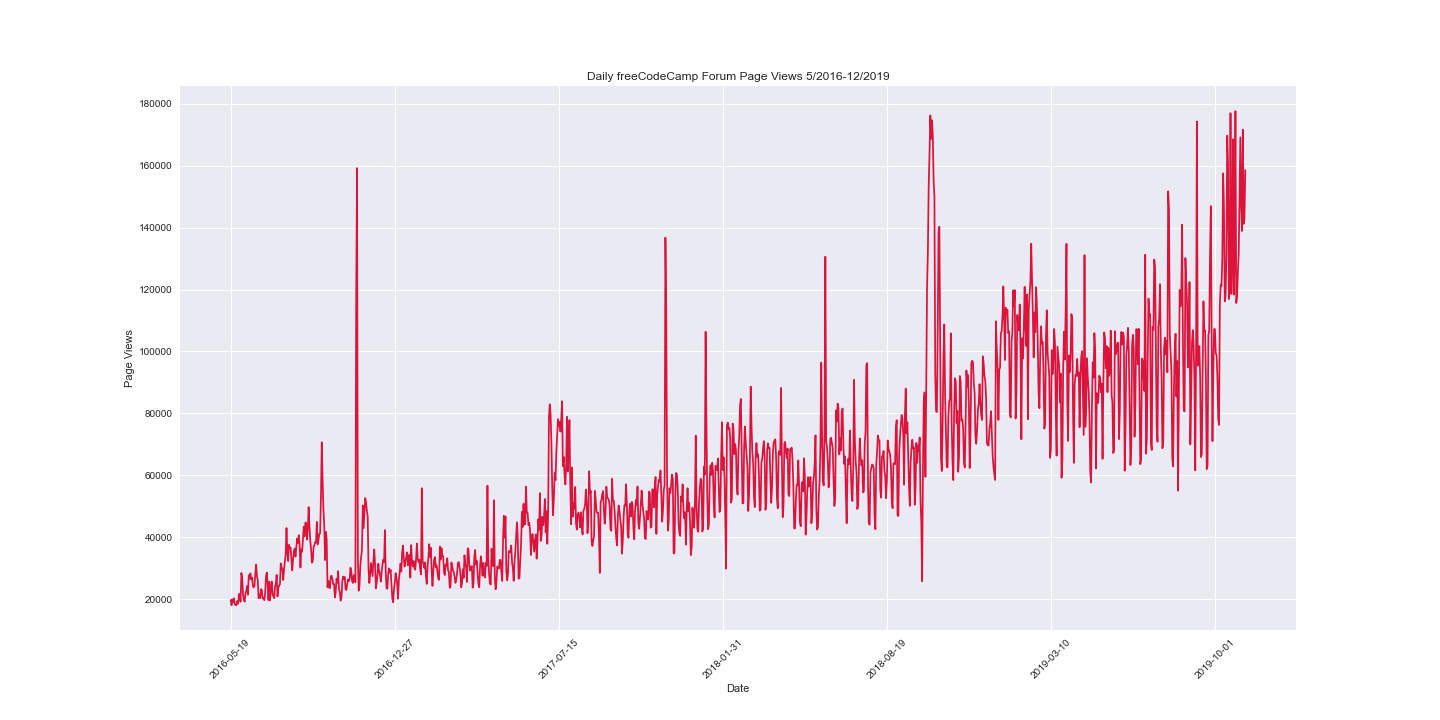
感谢你的一些想法!
回答 1
Stack Overflow用户
发布于 2022-06-27 11:47:07
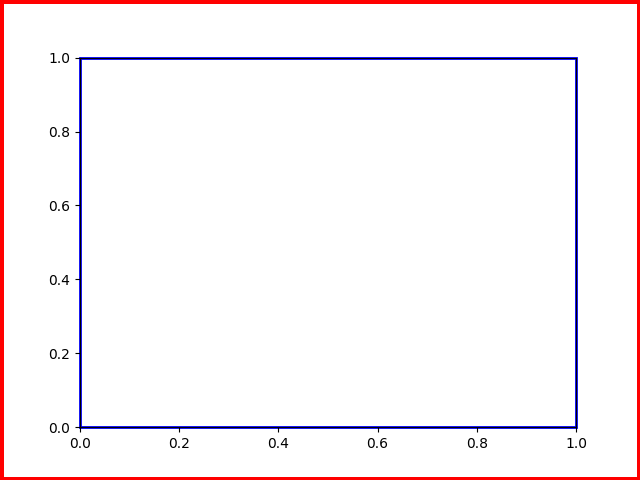
您可以设置图形和轴线补丁的边缘颜色和线宽:
import matplotlib.pyplot as plt

fig, ax = plt.subplots()
ax.patch.set(lw=2, ec='b')
fig.patch.set(lw=5, ec='r')
页面原文内容由Stack Overflow提供。腾讯云小微IT领域专用引擎提供翻译支持
原文链接:
https://stackoverflow.com/questions/72764823
复制相关文章
相似问题
腾讯云开发者

Copyright © 2013 - 2026 Tencent Cloud. All Rights Reserved. 腾讯云 版权所有
深圳市腾讯计算机系统有限公司 ICP备案/许可证号:粤B2-20090059  粤公网安备44030502008569号
腾讯云计算(北京)有限责任公司 京ICP证150476号 | 京ICP备11018762号