
颤振分配器未出现
颤振分配器未出现
提问于 2022-06-18 16:51:58
代码:
Row(
  mainAxisAlignment: MainAxisAlignment.center,
  children: const [
    const Divider(color: Colors.black, thickness: 1, indent: 50, height: 25,),
    const SizedBox(width: 10),
    const Divider(color: Colors.black, thickness: 1, indent: 50, height: 25,),
    const SizedBox(width: 10),
    const Divider(color: Colors.black, thickness: 1, indent: 50, height: 25,),
    const SizedBox(width: 10),
    const Divider(color: Colors.black, thickness: 1, indent: 50, height: 25,),
  ],
),
正如你所看到的,有4个分隔器。但它们并没有出现在实践中。它们占据了空间,但看不见。为什么会这样?我该怎么解决呢?
我试着说:
Row(
  children:  [
    VerticalDivider(color: Colors.black, thickness: 1, indent: 50, width: 25,),
    SizedBox(width: 10),
    VerticalDivider(color: Colors.red, thickness: 1, indent: 50, width: 25,),
    SizedBox(width: 10),
    VerticalDivider(color: Colors.red, thickness: 1, indent: 50, width: 25,),
    SizedBox(width: 10),
    VerticalDivider(color: Colors.black, thickness: 1, indent: 50, width: 20,),
  ],
),
和
VerticalDivider(color: Colors.black, thickness: 1, indent: 50, width: 25,),
SizedBox(width: 10),
VerticalDivider(color: Colors.red, thickness: 1, indent: 50, width: 25,),
SizedBox(width: 10),
VerticalDivider(color: Colors.red, thickness: 1, indent: 50, width: 25,),
SizedBox(width: 10),
VerticalDivider(color: Colors.black, thickness: 1, indent: 50, width: 20,),回答 2
Stack Overflow用户
回答已采纳
发布于 2022-06-18 17:02:50
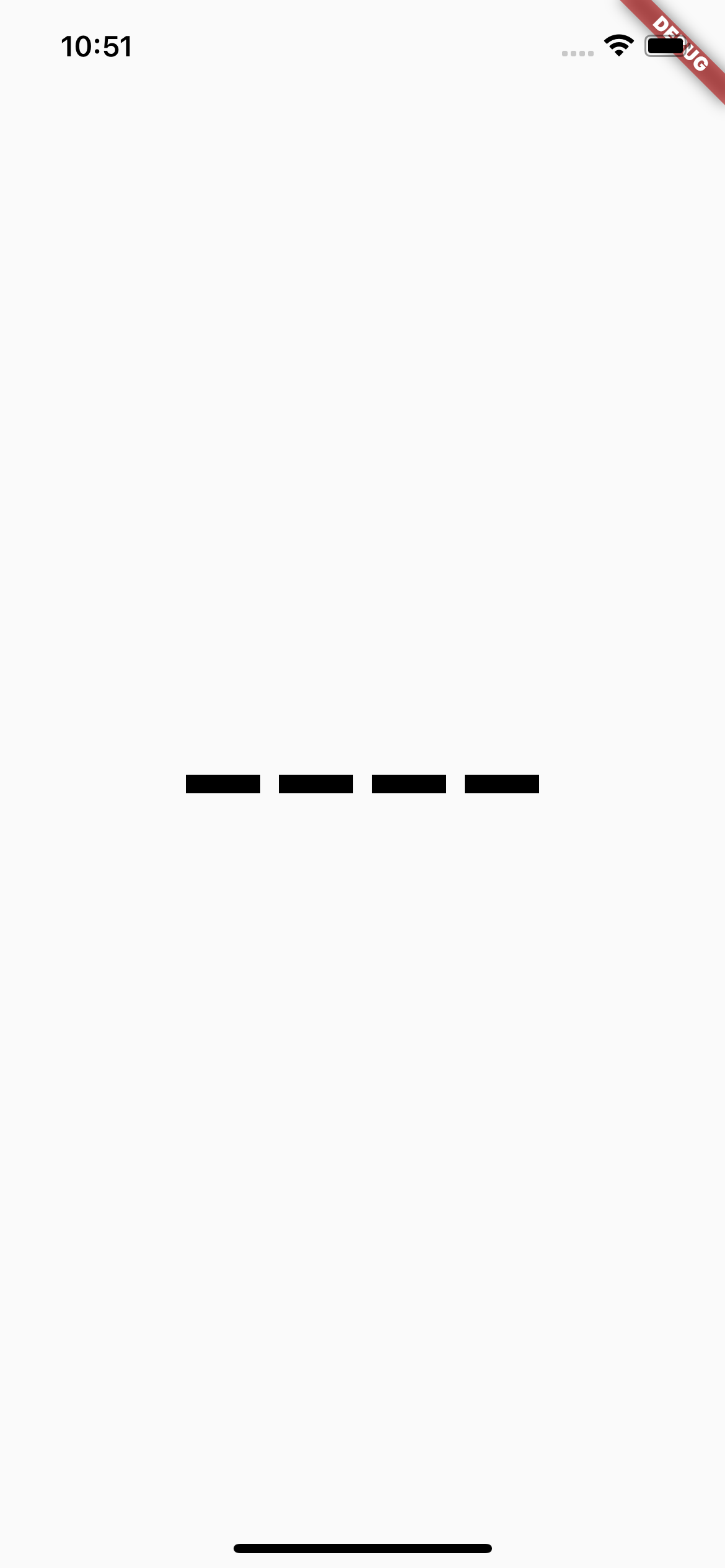
尝尝这个
Container(
          width: MediaQuery.of(context).size.width,
          height: 100,
          child: Row(
            mainAxisAlignment: MainAxisAlignment.center,
            children: const [
              SizedBox(
                width: 40,
                height: 40,
                child: Divider(
                  color: Colors.black,
                  thickness: 10,
                ),
              ),
              const SizedBox(width: 10),
              SizedBox(
                width: 40,
                height: 40,
                child: Divider(
                  color: Colors.black,
                  thickness: 10,
                ),
              ),
              const SizedBox(width: 10),
              SizedBox(
                width: 40,
                height: 40,
                child: Divider(
                  color: Colors.black,
                  thickness: 10,
                ),
              ),
              const SizedBox(width: 10),
              SizedBox(
                width: 40,
                height: 40,
                child: Divider(
                  color: Colors.black,
                  thickness: 10,
                ),
              ),
            ],
          ),
        ),
[
Stack Overflow用户
发布于 2022-06-18 17:03:02
对于行,您很可能需要VerticalDivider而不是Divider。身高取决于父母的大小。
VerticalDivider(
  color: Colors.black,
  thickness: 44,
  indent: 50,
),更多关于VerticalDivider的信息
至于您正在寻找的UI,您可以在填充小部件中使用Container。
Padding(
  padding: const EdgeInsets.only(left: 50),
  child: Container(
    color: Colors.black,
    width: 44,
    height: 25,
  ),
),页面原文内容由Stack Overflow提供。腾讯云小微IT领域专用引擎提供翻译支持
原文链接:
https://stackoverflow.com/questions/72671084
复制相关文章
相似问题
腾讯云开发者

Copyright © 2013 - 2026 Tencent Cloud. All Rights Reserved. 腾讯云 版权所有
深圳市腾讯计算机系统有限公司 ICP备案/许可证号:粤B2-20090059  粤公网安备44030502008569号
腾讯云计算(北京)有限责任公司 京ICP证150476号 | 京ICP备11018762号