
胶乳子图不居中
胶乳子图不居中
提问于 2022-06-11 18:38:57
我的代码如下所示,但我的数字与标题不一致。我怎么才能修好它?
   \begin{figure}[H]
       \centering
       \begin{subfigure}{0.7\textwidth}
       \includegraphics[width=4cm,height=6cm]{outwithsel.PNG}
       \caption{Outliner}
       \label{fig:h1}
        \end{subfigure}

        \begin{subfigure}{\textwidth}
        \includegraphics[width=0.8\linewidth]{moveBtns.PNG}
        \caption{Buttons that move selected object in 4 different directions}
        \label{fig:h2}
        \end{subfigure}
\caption{Kitchen is selected and can be moved to where desired}在这里,索马亚,这就是当我尝试你说的话时发生的事情。修正意见1
回答 3
Stack Overflow用户
发布于 2022-06-12 10:22:48
您的图像的宽度分别为4cm和.8\textwidth。这意味着它们比它们周围的subfigure小。要使它们集中在更大的subfigure中,您需要在子图中重复\centering。
此外,您的一些行的末尾缺少了%。这些不受保护的行距会像一个空格,从而使你的子图形保持少量(可能不明显,但当我们已经达到它时.)。
与您的问题无关:不要同时指定图像的宽度和高度,这会扭曲图像。如果您确实必须给出两个维度,那么至少添加keepaspectratio。
\documentclass{article}

\usepackage{subcaption}
\usepackage{graphicx}
\usepackage{float}

\begin{document}

\begin{figure}[H]
 \centering
 \begin{subfigure}{\textwidth}
 \centering
 \includegraphics[width=4cm,height=6cm]{example-image-duck}
 \caption{Outliner}
 \label{fig:h1}
  \end{subfigure}%

  \begin{subfigure}{\textwidth}
  \centering
  \includegraphics[width=.8\textwidth]{example-image-duck}
  \caption{Buttons that move selected object in 4 different directions}
  \label{fig:h2}
  \end{subfigure}%
\caption{Kitchen is selected and can be moved to where desired}
\end{figure}

\end{document}
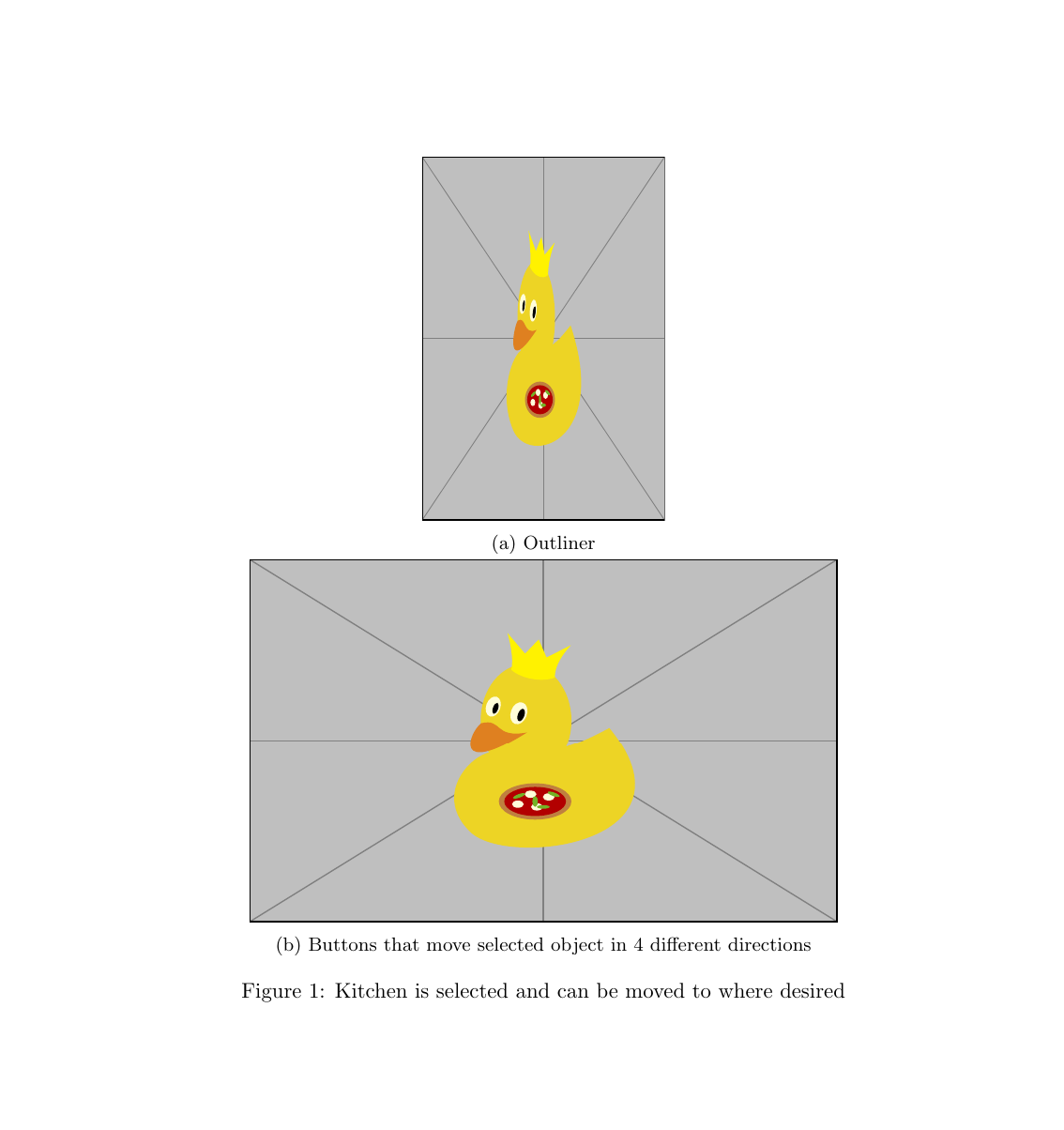
Stack Overflow用户
发布于 2022-06-11 19:02:23
我认为您在\ the宽度上有问题,您必须为每个子图选择0.5个文本宽度
Stack Overflow用户
发布于 2022-06-12 15:09:06
这将解决您的问题:
   \begin{figure}[H]
   \centering
   \includegraphics[width=.7\textwidth]{Bloch sphere.PNG}
   \caption{Outliner}
   \label{fig:h1}


    \includegraphics[width=0.7\textwidth]{Bloch sphere.PNG}
    \caption{Buttons that move selected object in 4 different directions}
    \label{fig:h2}

 \caption{Kitchen is selected and can be moved to where desired}
结束{图}
页面原文内容由Stack Overflow提供。腾讯云小微IT领域专用引擎提供翻译支持
原文链接:
https://stackoverflow.com/questions/72587010
复制相关文章
相似问题
腾讯云开发者

Copyright © 2013 - 2026 Tencent Cloud. All Rights Reserved. 腾讯云 版权所有
深圳市腾讯计算机系统有限公司 ICP备案/许可证号:粤B2-20090059  粤公网安备44030502008569号
腾讯云计算(北京)有限责任公司 京ICP证150476号 | 京ICP备11018762号