
打开vim会抛出一个错误“跟踪字符”。
打开vim会抛出一个错误“跟踪字符”。
提问于 2022-03-27 00:02:19
我的配置文件很小。这是我的完整.vimrc
# Enable mouse
set mouse=a

" Enable syntax highlighting
syntax on

# Add numbers on the left side
set number
打开vim会抛出一个错误“尾随字符”。
每次我试图打开Vim,这些错误都会出现。我不明白这个错误。我在这里做错了什么?
错误如下:
截图:
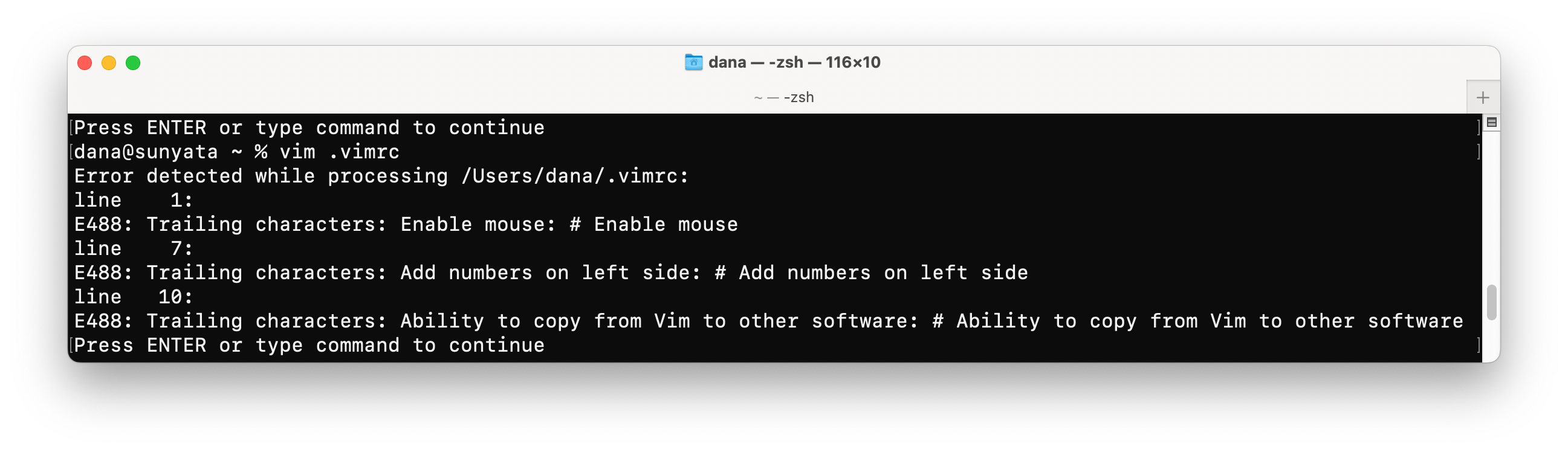
文本:
dana@sunyata ~ % vim .vimrc
Error detected while processing /Users/dana/.vimrc:
line    1:
E488: Trailing characters: Enable mouse: # Enable mouse
line    7:
E488: Trailing characters: Add numbers on the left side: # Add numbers on the left side
line   10:
E488: Trailing characters: Ability to copy from Vim to other software: # Ability to copy from Vim to other software
Press ENTER or type command to continue
“尾随字符”意味着什么?我如何纠正这些错误?
回答 2
Stack Overflow用户
发布于 2022-03-27 08:23:59
-
virmc中的每一行都是Ex命令.
:#是一个Ex命令,它可以打印行,因此不能用于注释。Vim抱怨“尾随字符”,因为您给出了错误的命令,例如:
:#启用小鼠
包含太多的垃圾,因此不能正确地解析。
- Vim使用
"作为注释.
- ,如果你还没有做好的话,尽可能多地做
$ vimtutor,以便正确地掌握基本知识。 - 是在Vim家教结束时指示的,直到用户手册
:help user-manual为止。这是一个动手教程,将指导您逐步通过每一个功能,从基本到高级。这不是一本小说,按照你自己的速度去做,最重要的是,在这个过程中进行实验。 - 关注反模式和低效的行为,找到改进,练习。冲洗一下。重复,
Stack Overflow用户
发布于 2022-03-27 00:32:30
我必须在#配置文件中将注释字符从"更改为.vimrc。
下面是一个比较:
带有尾随字符错误的旧版本:
# Enable mouse
set mouse=a

" Enable syntax highlighting
syntax on

# Add numbers on the left side
set number
修正版本,没有错误:
" Enable mouse
set mouse=a

" Enable syntax highlighting
syntax on

" Add numbers on the left side
set number页面原文内容由Stack Overflow提供。腾讯云小微IT领域专用引擎提供翻译支持
原文链接:
https://stackoverflow.com/questions/71632752
复制相关文章
相似问题
腾讯云开发者

Copyright © 2013 - 2026 Tencent Cloud. All Rights Reserved. 腾讯云 版权所有
深圳市腾讯计算机系统有限公司 ICP备案/许可证号:粤B2-20090059  粤公网安备44030502008569号
腾讯云计算(北京)有限责任公司 京ICP证150476号 | 京ICP备11018762号