
图像配准问题:非常糟糕的图像配准结果
图像配准问题:非常糟糕的图像配准结果
提问于 2022-02-10 14:04:50
我试图执行图像配准,我的注册输出是完全不好的。
以下是我的代码,我所拥有的图像是在不同的摄像机角度下获取的伤口模型,获取的图像和输出图像的链接如下,供您审阅。
import numpy as np
import cv2
from matplotlib import pyplot as plt

im1 = cv2.imread('/home/Documents/image_registration/1.jpg')          # Image that needs to be registered.
im2 = cv2.imread('/home/Documents/image_registration/3.jpg') # trainImage

img1 = cv2.cvtColor(im1, cv2.COLOR_BGR2GRAY)
img2 = cv2.cvtColor(im2, cv2.COLOR_BGR2GRAY)

# Initiate ORB detector
orb = cv2.ORB_create(5000)  #Registration works with at least 50 points

# find the keypoints and descriptors with orb
kp1, des1 = orb.detectAndCompute(img1, None)  #kp1 --> list of keypoints
kp2, des2 = orb.detectAndCompute(img2, None)

#Brute-Force matcher takes the descriptor of one feature in first set and is
 # create Matcher object

matcher = cv2.DescriptorMatcher_create(cv2.DESCRIPTOR_MATCHER_BRUTEFORCE_HAMMING)

# Match descriptors.
matches = matcher.match(des1, des2, None)  #Creates a list of all matches, just like keypoints

# Sort them in the order of their distance.
matches = sorted(matches, key = lambda x:x.distance)

#Like we used cv2.drawKeypoints() to draw keypoints,
#cv2.drawMatches() helps us to draw the matches.

img3 = cv2.drawMatches(im1,kp1, im2, kp2, matches[:500], None)

#cv2.imshow("Matches image", img3)
#cv2.waitKey(0)

#Now let us use these key points to register two images.
#Can be used for distortion correction or alignment

#Second set to #trainIdx.

points1 = np.zeros((len(matches), 2), dtype=np.float32)  #Prints empty array of size equal to (matches, 2)
points2 = np.zeros((len(matches), 2), dtype=np.float32)

for i, match in enumerate(matches):
   points1[i, :] = kp1[match.queryIdx].pt    #gives index of the descriptor in the list of query descriptors
   points2[i, :] = kp2[match.trainIdx].pt    #gives index of the descriptor in the list of train descriptors


h, mask = cv2.findHomography(points1, points2, cv2.RANSAC)

  # Use homography
height, width, channels = im2.shape
im1Reg = cv2.warpPerspective(im1, h, (width, height))  #Applies a perspective transformation to an image.

print("Estimated homography : \n",  h)

#cv2.imshow("Registered image", im1Reg)
#cv2.waitKey()

cv2.imwrite ( '/home/Documents/image_registration/output.jpg' , im1Reg)
图1
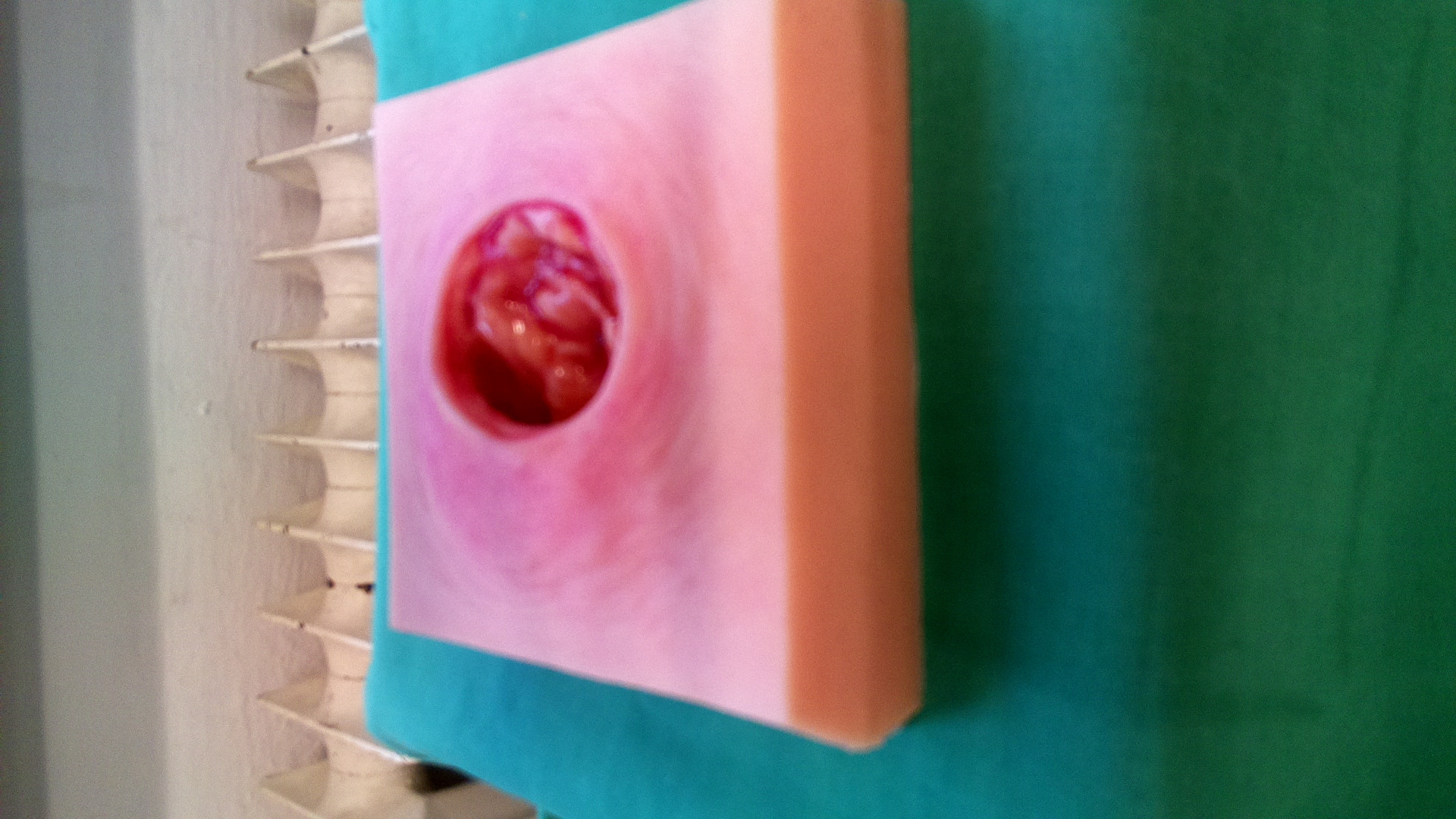
图3
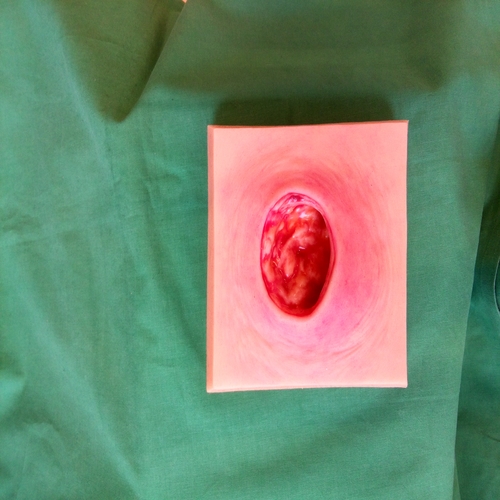
输出登记

请给我建议一下我的方法的问题
回答 1
Stack Overflow用户
发布于 2022-02-10 14:10:24
在python中,是不可变的,而排序函数(在python中)是对进行排序的,就是这样,这就是元组不存在的原因。要对元组进行排序,您应该使用排序函数,它返回一个新列表。
在你的情况下-
sorted(matches, key = lambda x: x.distance)页面原文内容由Stack Overflow提供。腾讯云小微IT领域专用引擎提供翻译支持
原文链接:
https://stackoverflow.com/questions/71066530
复制相关文章
相似问题
腾讯云开发者

Copyright © 2013 - 2026 Tencent Cloud. All Rights Reserved. 腾讯云 版权所有
深圳市腾讯计算机系统有限公司 ICP备案/许可证号:粤B2-20090059  粤公网安备44030502008569号
腾讯云计算(北京)有限责任公司 京ICP证150476号 | 京ICP备11018762号