
如何使我的TextField看起来像下面这样(颤音)
如何使我的TextField看起来像下面这样(颤音)
提问于 2022-01-02 10:38:26
所以在我的设计中,我有这样的Textfield:
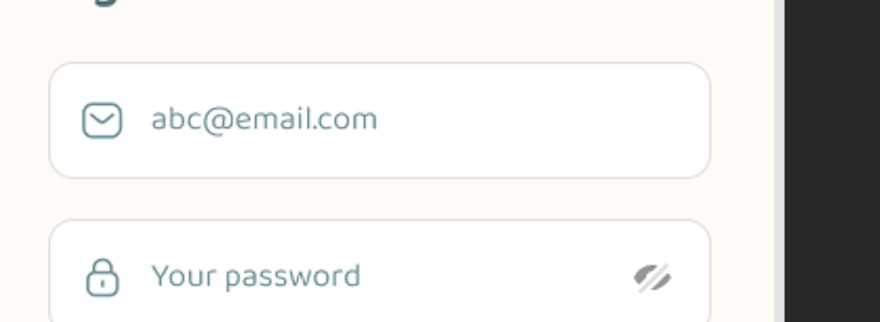
我怎么才能让它飘飘欲仙?
回答 2
Stack Overflow用户
回答已采纳
发布于 2022-01-02 11:24:27
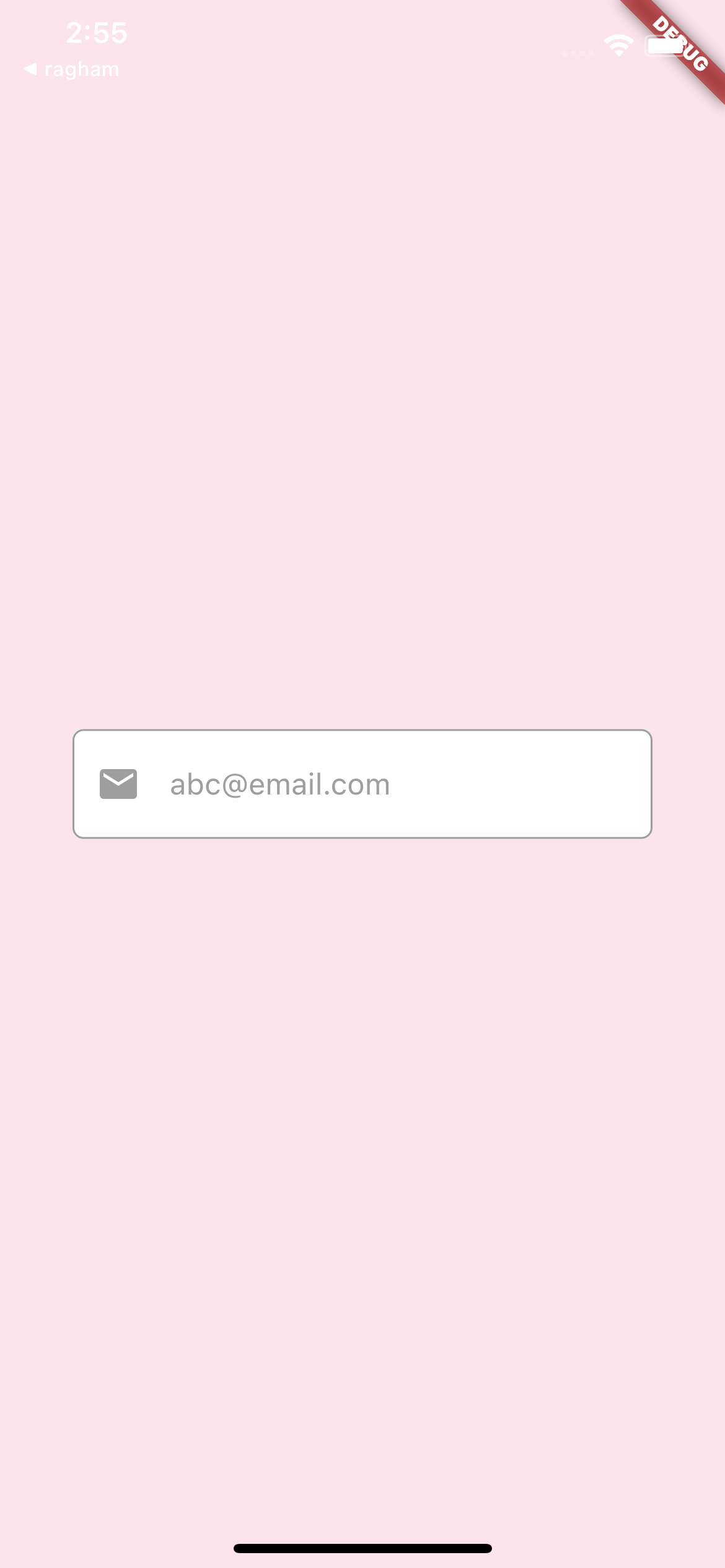
我不知道正确的大小和颜色,所以根据您的设计改变他们,如果您希望您可以使用您的图标资产,而不是图标类。
     @override
  Widget build(BuildContext context) {
    double width = MediaQuery.of(context).size.width;
    double height = MediaQuery.of(context).size.height;

    return Scaffold(
      backgroundColor: Colors.pink.shade50,
      body: Center(
        child: Container(
          width: width * 0.8,
          height: height * 0.07,
          padding: EdgeInsets.all(width * 0.03),
          decoration: BoxDecoration(
              borderRadius: BorderRadius.circular(6),
              color: Colors.white,
              border: Border.all(color: Colors.grey)),
          child: Center(
            child: Row(
              children: <Widget>[
                const Icon(
                  Icons.email,
                  color: Colors.grey,
                ),
                SizedBox(
                  width: width * 0.04,
                ),
                const Expanded(
                  child: TextField(
                    decoration: InputDecoration.collapsed(
                        hintText: 'abc@email.com',
                        hintStyle: TextStyle(color: Colors.grey)),
                  ),
                ),
              ],
            ),
          ),
        ),
      ),
    );
  }
Stack Overflow用户
发布于 2022-01-02 12:02:22
如果您的意思是边框少文本框,那么您可以很容易地更改边框的颜色与背景色相同,
否则遵循下面的代码
TextFormField(
    cursorColor: Colors.black,
    keyboardType: inputType,
    decoration: new InputDecoration(
        border: InputBorder.none,
        focusedBorder: InputBorder.none,
        enabledBorder: InputBorder.none,
        errorBorder: InputBorder.none,
        disabledBorder: InputBorder.none,
        contentPadding:
            EdgeInsets.only(left: 15, bottom: 11, top: 11, right: 15),
        hintText: "abc@gmail.com"),
)页面原文内容由Stack Overflow提供。腾讯云小微IT领域专用引擎提供翻译支持
原文链接:
https://stackoverflow.com/questions/70555280
复制相关文章
相似问题
腾讯云开发者

Copyright © 2013 - 2026 Tencent Cloud. All Rights Reserved. 腾讯云 版权所有
深圳市腾讯计算机系统有限公司 ICP备案/许可证号:粤B2-20090059  粤公网安备44030502008569号
腾讯云计算(北京)有限责任公司 京ICP证150476号 | 京ICP备11018762号