
在Fedora 35中安装ibus-avro
如何在Fedora 35中安装ibus-avro软件包?
我知道这里有一个指南可以这样做,但由于缺少一个依赖项"libibus-1.0-dev“,我无法跟踪它,而且我可以找到它的任何替代名称来处理这个问题。
我做了-> sudo dnf安装ibus-libs-1.5.25-6.fc35.x86_64
但这个包裹帮不上忙。
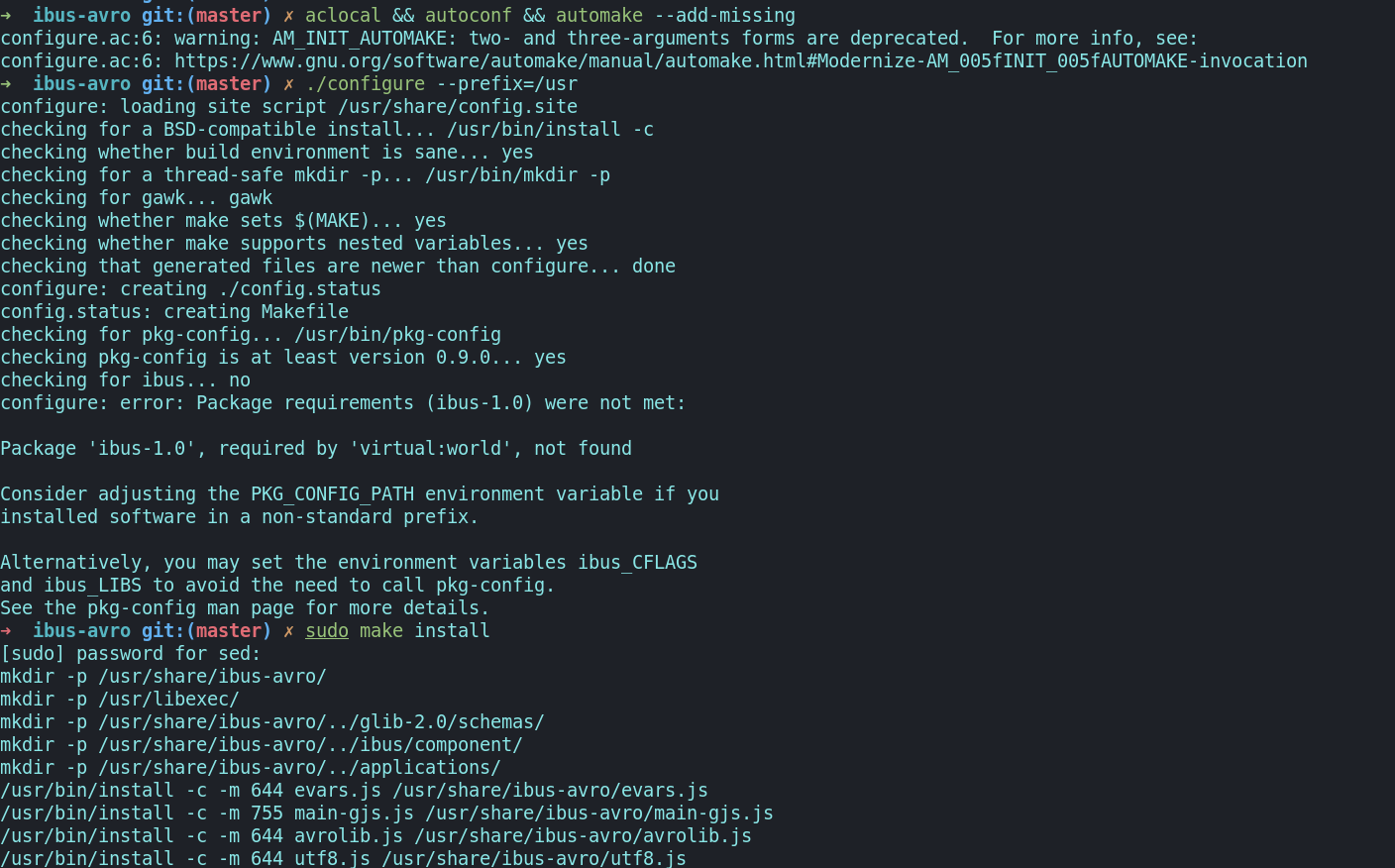
我的准确错误是这个->
回答 1
Stack Overflow用户
发布于 2022-11-15 07:50:06
用肉桂DE在Fedora 36上安装IBus Avro
我通过遵循官方文档(自述文件中的git克隆命令没有工作,我不得不)从源代码中安装它。
$ mkdir buildFromSource  # or some convenient location to keep your home clean
$ cd buildFromSource

 # git clone git://github.com/sarim/ibus-avro.git  # this didn't work for me :/
$ git clone https://github.com/sarim/ibus-avro.git
$ cd ibus-avro

# stop, and install automake before following the readme

$ sudo dnf install automake # this installs aclocal, autoconf, and automake


$ aclocal && autoconf && automake --add-missing
$ ./configure --prefix=/usr
我犯了一些错误。
$ sudo dnf install ibus-devel ibus-libs # no idea which one, or why I need. one of them resolved "missing ibus-1.0 error"在那之后,
$ aclocal && autoconf && automake --add-missing
$ ./configure --prefix=/usr                      # yeah, I ran these 2 lines again just to be safe

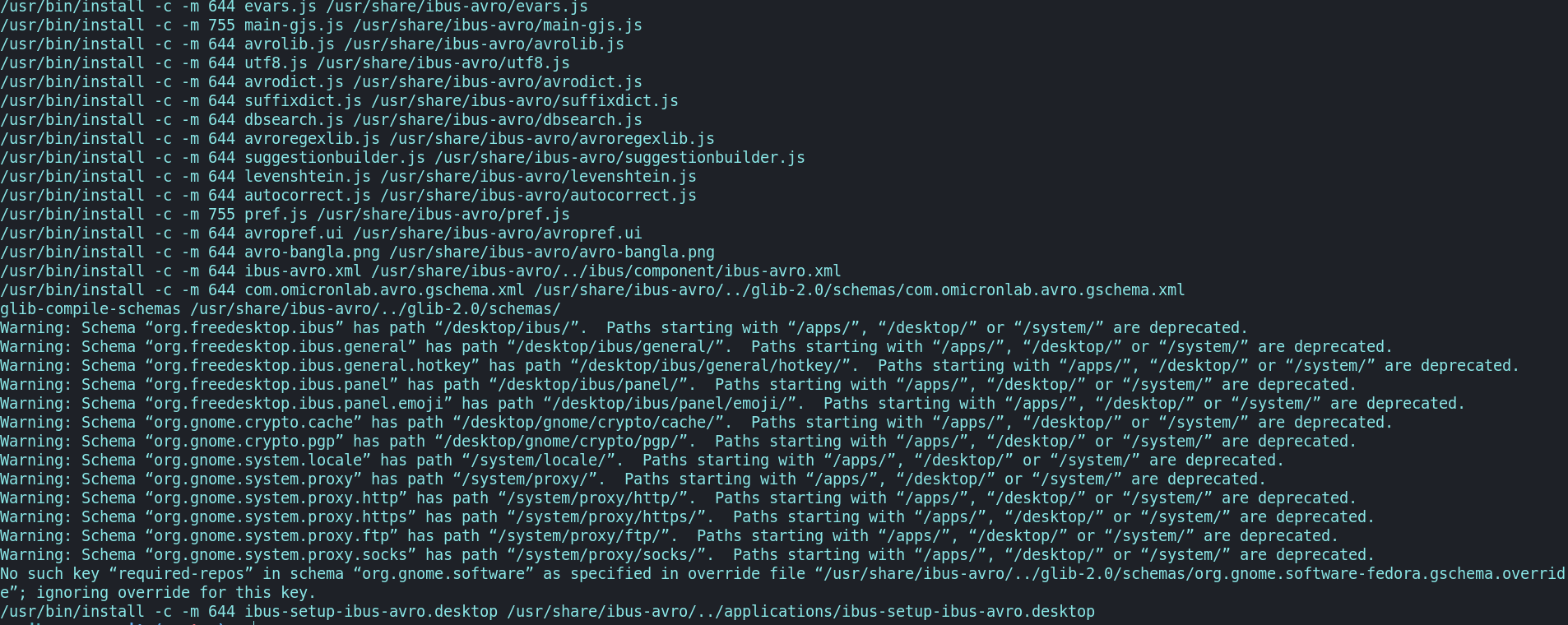
$ sudo make install
现在,avro应该安装在您的系统上。如果你找不到任何东西(像我一样),试着注销/重新启动计算机。
现在我们需要在我们的输入法中添加avro。我用Fedora 36和肉桂DE。在其他DE中,它可能略有不同(例如,Gnome,KDE等)。
选择windows key -> Input method selector。
最初,选择了no input method。Select Use IBus。在Select Use IBus的右边,有Preference。单击它将打开IBus preference。现为Input method -> Add -> Bangla -> Avro.我不得不再次退出才能看到变化。Gnome text editor (新的,而不是gedit)不支持এখনআমিফেডোরায়বাংলাটাইপকরতেপারি!কিন্তু:困惑:起初,我想,出了什么问题!后来我找到了সাব্লাইমটেক্সট/অন্যঅ্যাপেবাংলালিখাযায়।
https://stackoverflow.com/questions/70384613
复制相似问题
腾讯云开发者

Copyright © 2013 - 2026 Tencent Cloud. All Rights Reserved. 腾讯云 版权所有
深圳市腾讯计算机系统有限公司 ICP备案/许可证号:粤B2-20090059  粤公网安备44030502008569号
腾讯云计算(北京)有限责任公司 京ICP证150476号 | 京ICP备11018762号