零基础学习HTML(27)——iframe标签、meter标签、progress标签

零基础学习HTML(27)——iframe标签、meter标签、progress标签

Dragon水魅
发布于 2026-01-23 18:59:19
发布于 2026-01-23 18:59:19
注:学习笔记基于小甲鱼学习视频,官方论坛:https://fishc.com.cn/forum.php
官方资料
鱼C课程案例库:https://ilovefishc.com/html5/ html5速查手册:https://man.ilovefishc.com/html5/ css速查手册:https://man.ilovefishc.com/css3/
学习正文
iframe标签:https://man.ilovefishc.com/pageHTML5/iframe.html meter标签:https://man.ilovefishc.com/pageHTML5/meter.html progress标签:https://man.ilovefishc.com/pageHTML5/progress.html
使用 iframe 标签嵌套网页:
<!DOCTYPE html>
<html>
<head>
    <title>嵌入一个网页</title>
    <meta charset="utf-8">
</head>
<body>
    <iframe src="https://fishc.com.cn/" width="1024px" height="800px">抱歉,浏览器不支持iframe。</iframe>
</body>
</html>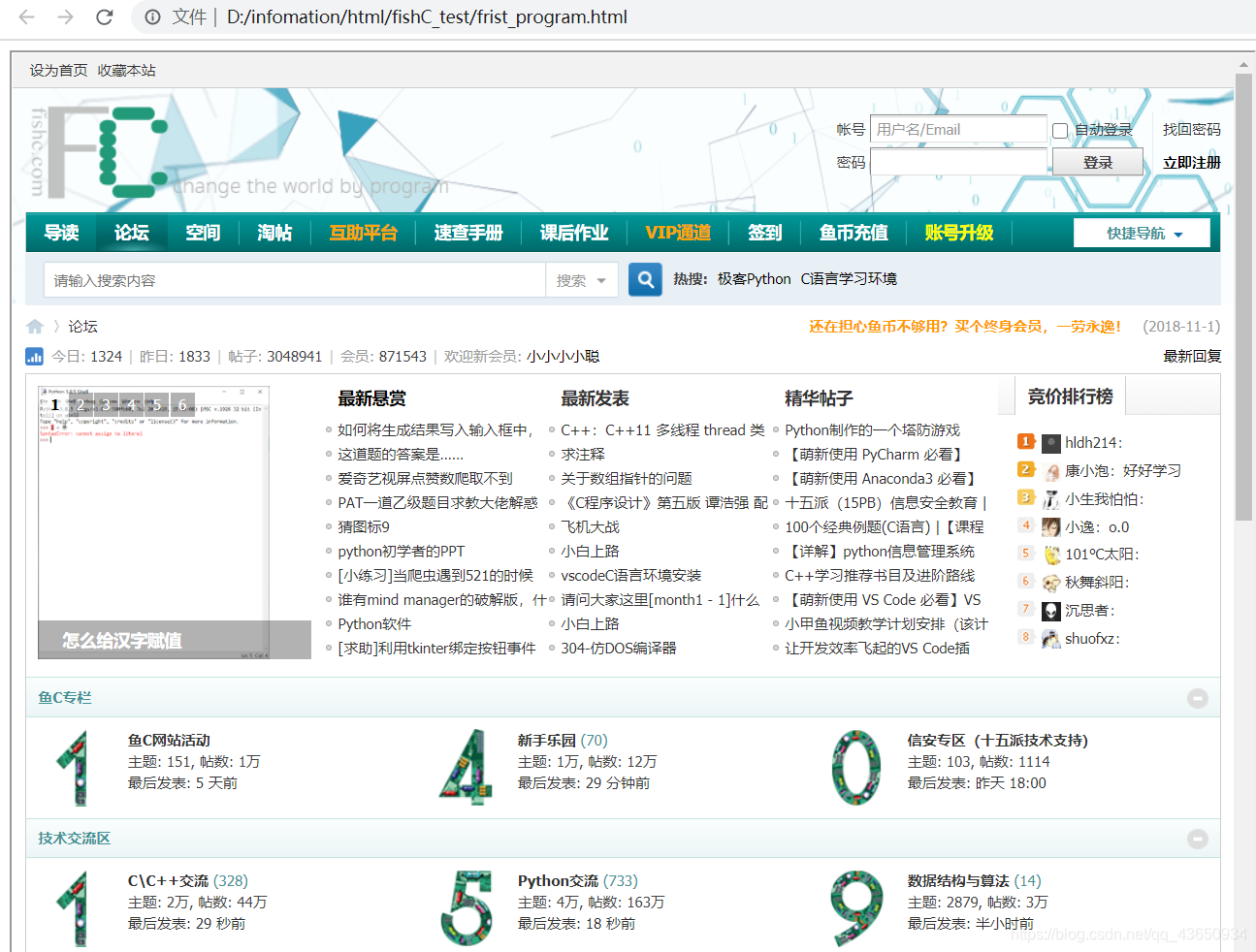
在这里插入图片描述
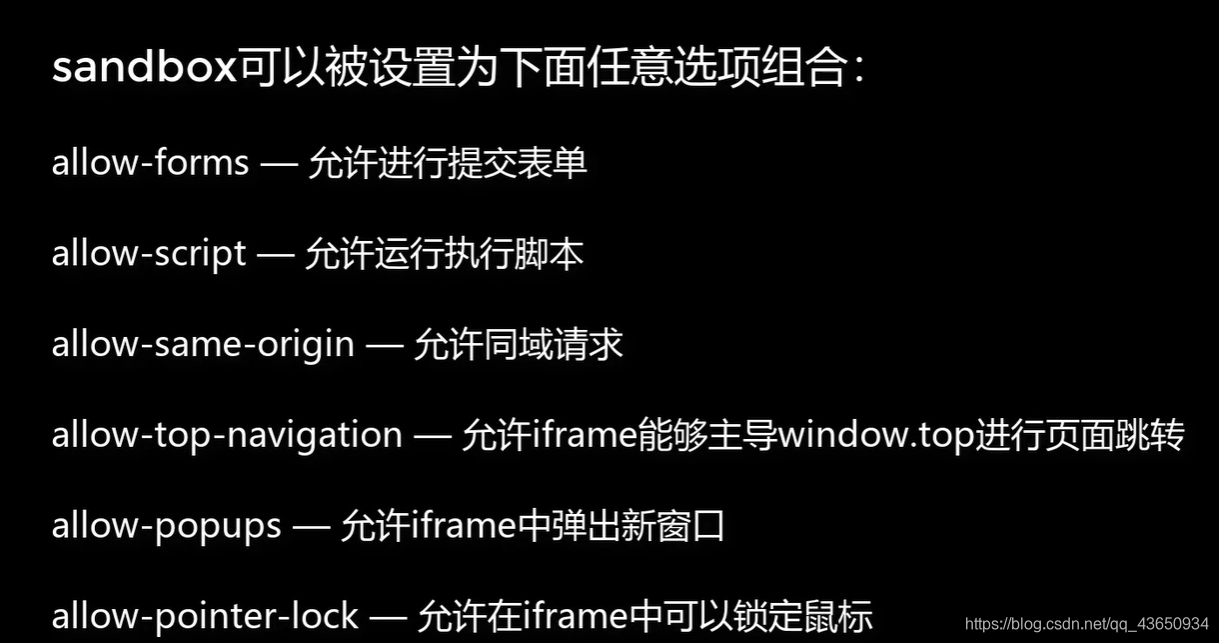
iframe 的 sandbox 属性为沙盒设置,会对第三方网站进行限制, sandbox="" 为最高限制,通常只能加载一些静态资源:

在这里插入图片描述
在这里插入图片描述
meter 标签定义一个范围内的测量值/分数值:
<!DOCTYPE html>
<html>
<head>
    <title>使用meter元素显示一个范围内的值</title>
    <meta charset="utf-8">
</head>
<body>
    <p>你的零花钱还剩下:</p>
    <meter id="money" high="0.8" low="0.2" optimum="0.6" value="0.2" min="0" max="1"></meter>
    <p>
        <button type="button" value="0.1">10%</button>
        <button type="button" value="0.6">60%</button>
        <button type="button" value="0.9">90%</button>
    </p>
    <script>
        var buttons = document.getElementsByTagName("BUTTON");
        var meter = document.getElementById("money");
        for (var i = 0; i < buttons.length; i++){
            buttons[i].onclick = function(e){
                meter.value = e.target.value;
            };
        }
    </script>
</body>
</html>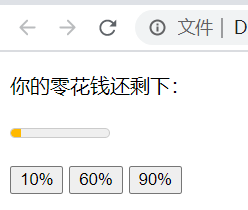
在这里插入图片描述
使用 progress 标签设置进度条:
<!DOCTYPE html>
<html>
<head>
    <title>使用progress元素显示进度条</title>
    <meta charset="utf-8">
</head>
<body>
    <p>来一个进度条:</p>
    <progress max="1" value="0.4"></progress>
</body>
</html>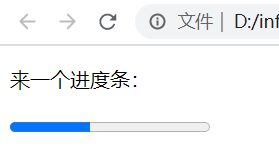
在这里插入图片描述
本文参与 腾讯云自媒体同步曝光计划,分享自作者个人站点/博客。
原始发表:2026-01-23,如有侵权请联系 cloudcommunity@tencent.com 删除
目录
腾讯云开发者

Copyright © 2013 - 2026 Tencent Cloud. All Rights Reserved. 腾讯云 版权所有
深圳市腾讯计算机系统有限公司 ICP备案/许可证号:粤B2-20090059  粤公网安备44030502008569号
腾讯云计算(北京)有限责任公司 京ICP证150476号 | 京ICP备11018762号