vue3-deepseek-webai网页版AI Chat系统|vite7+arco+deepseek流式ai模板
原创
vue3-deepseek-webai网页版AI Chat系统|vite7+arco+deepseek流式ai模板
原创
andy2018
发布于 2026-01-07 11:35:27
发布于 2026-01-07 11:35:27
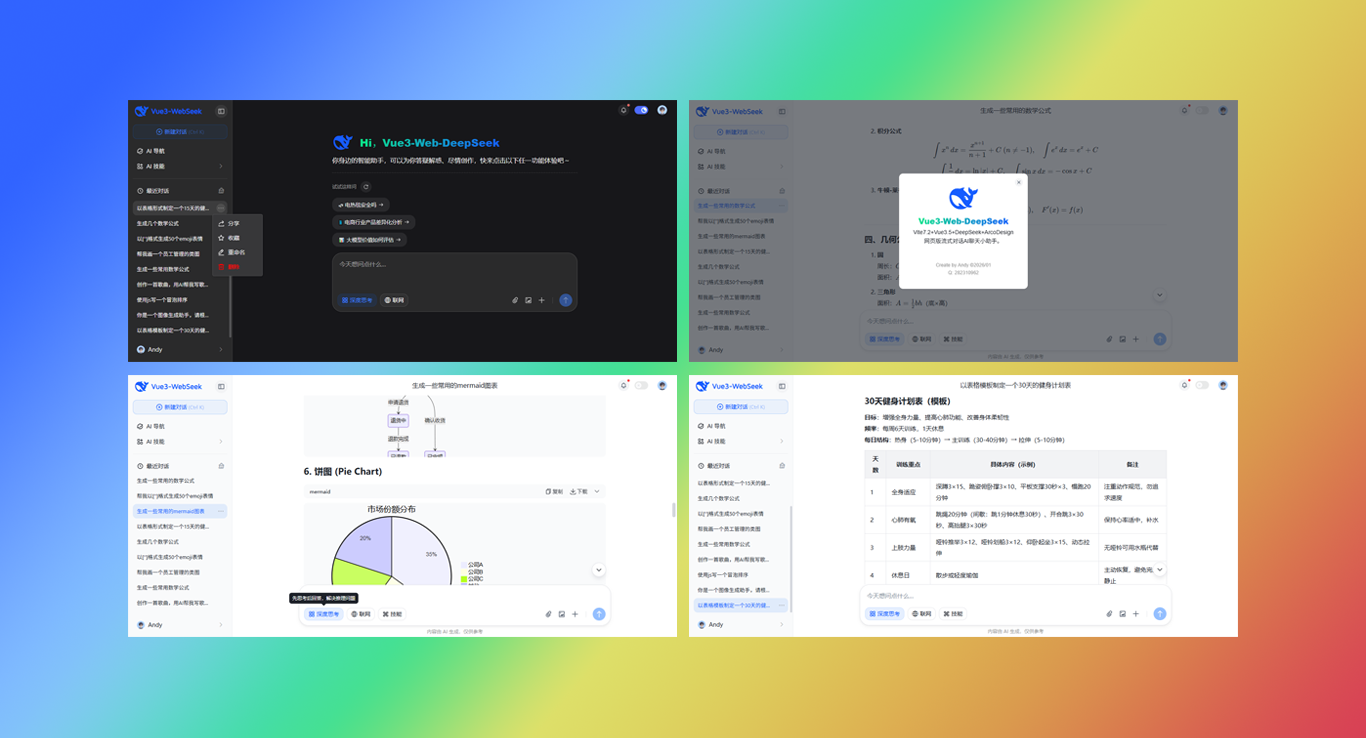
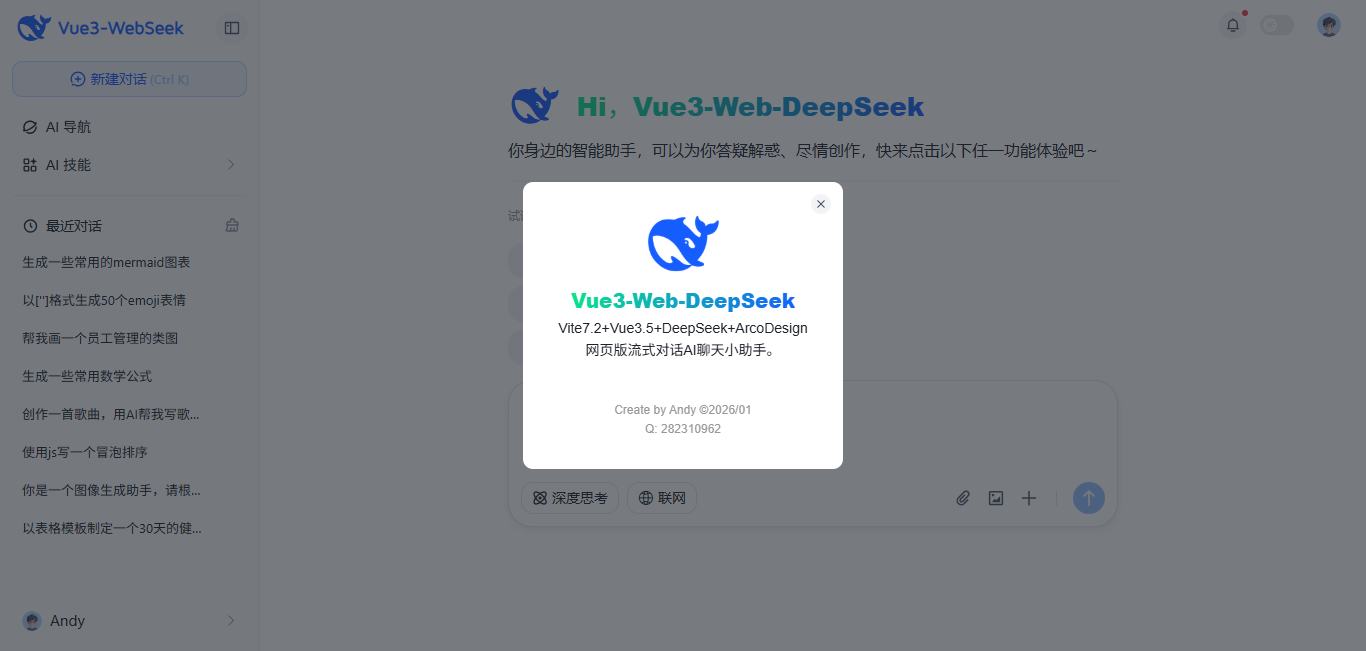
2026/1開年最新实战vite7.x+vue3.5+arco+deepseek从0-1纯手搓网页端ai对话系统。
使用技术
- 编码工具:VScode
- 技术框架:vite^7.2.4+vue^3.5.24+vue-router^4.6.4
- 大模型框架:DeepSeek-R1 + OpenAI
- UI组件库:arco-design^2.57.0 (字节桌面端组件库)
- 状态管理:pinia^3.0.4
- 本地存储:pinia-plugin-persistedstate^4.7.1
- 高亮插件:highlight.js^11.11.1
- markdown插件:markdown-it
- katex公式:@mdit/plugin-katex^0.24.1
项目亮点
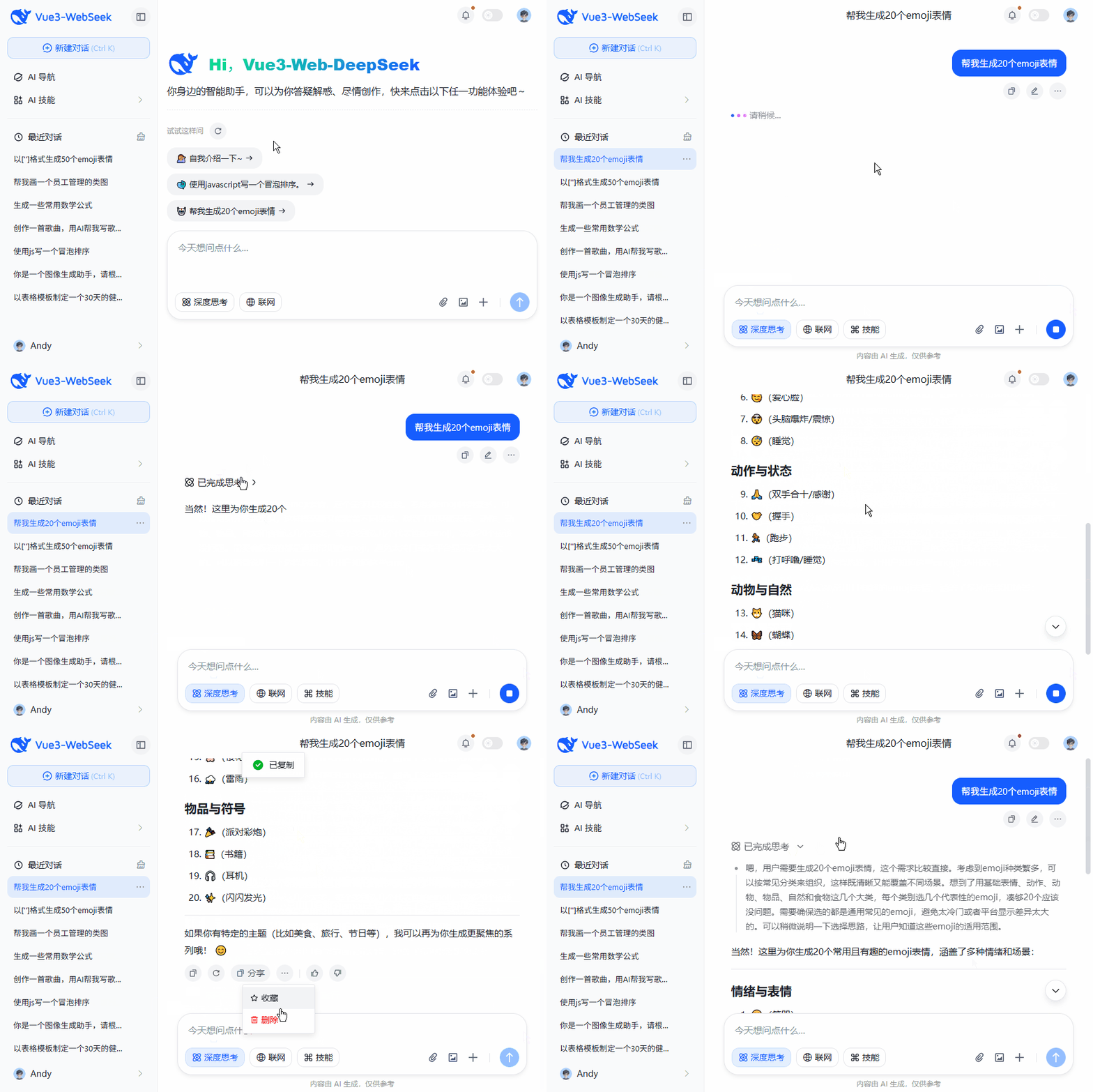
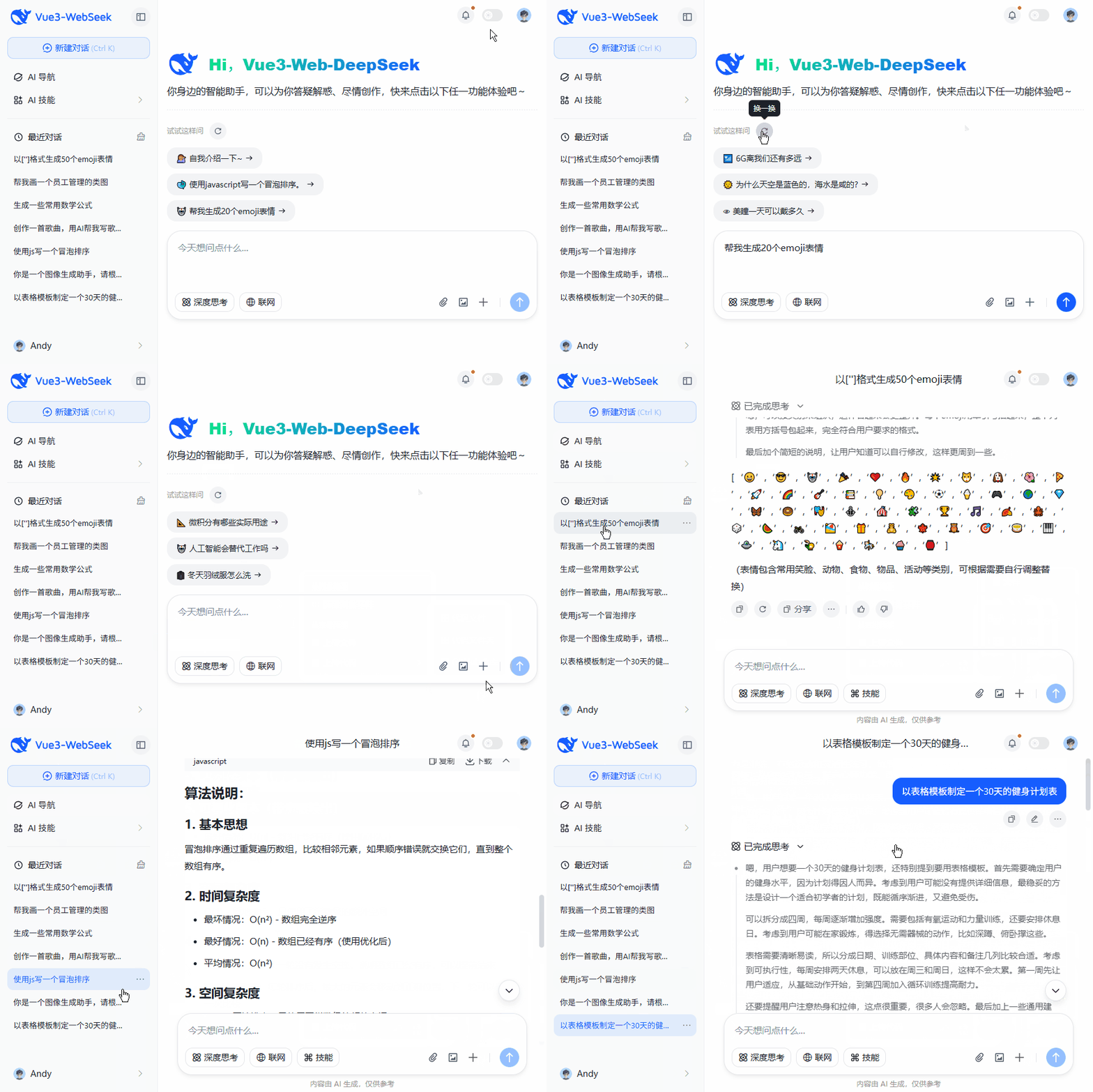
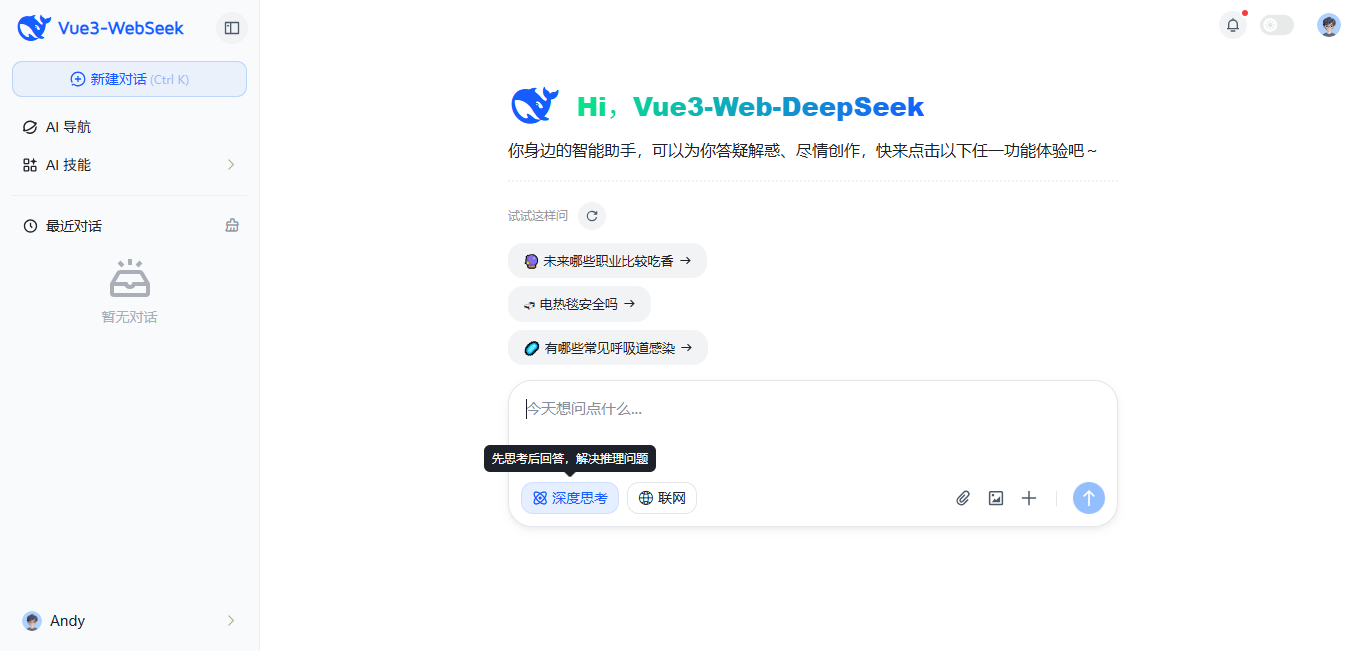
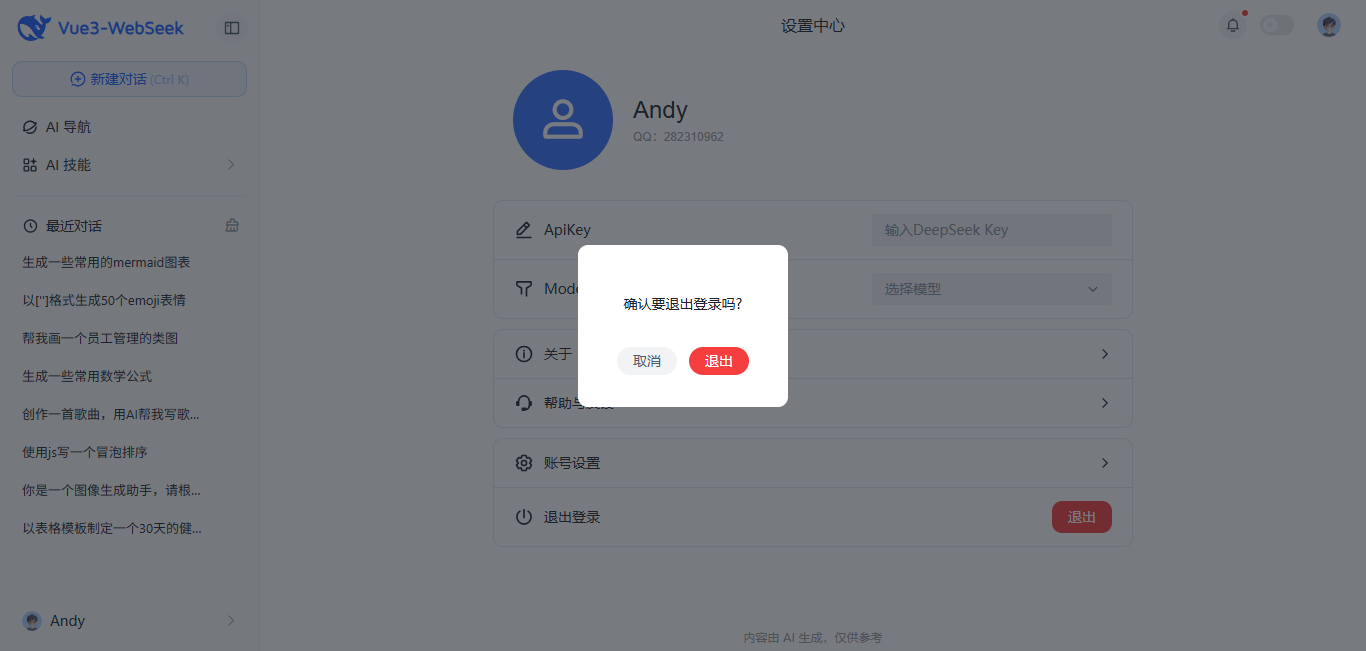
- 使用最新框架vite7.2接入deepseek-v3.2流式,效果丝滑流畅
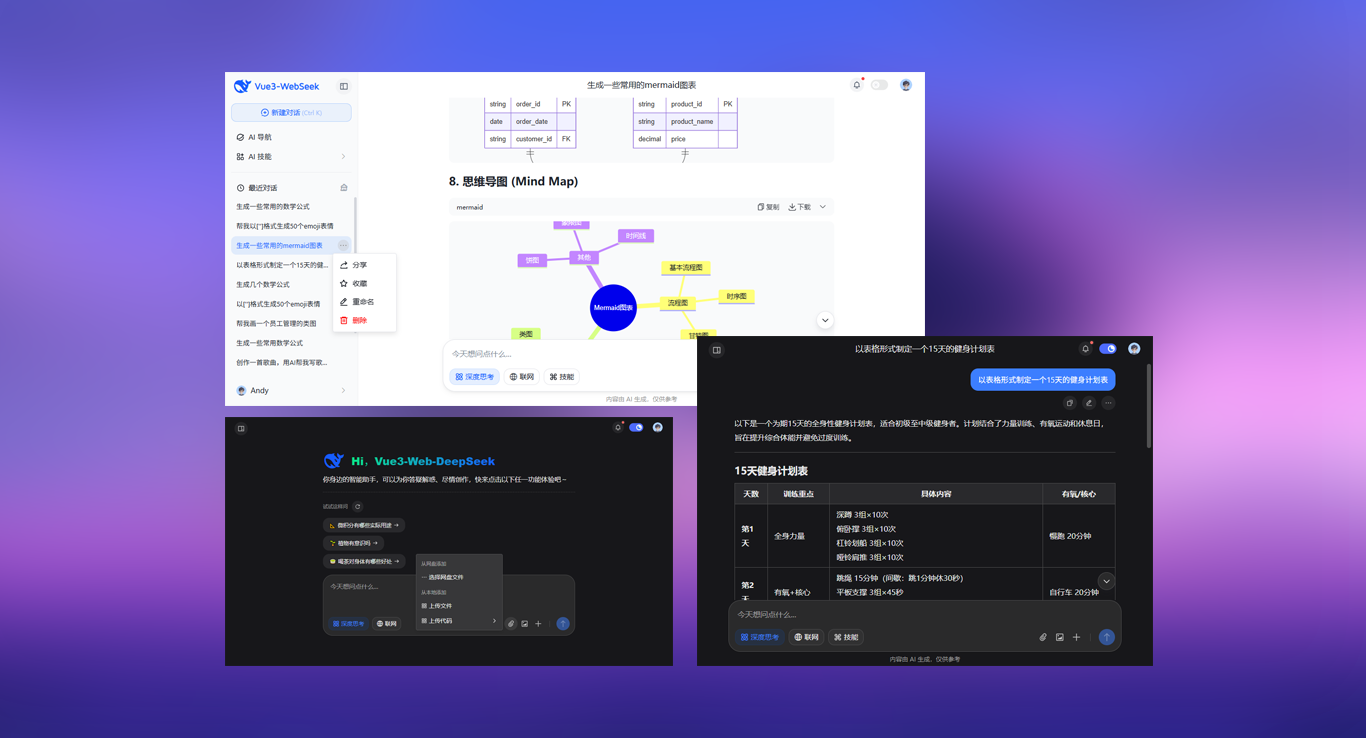
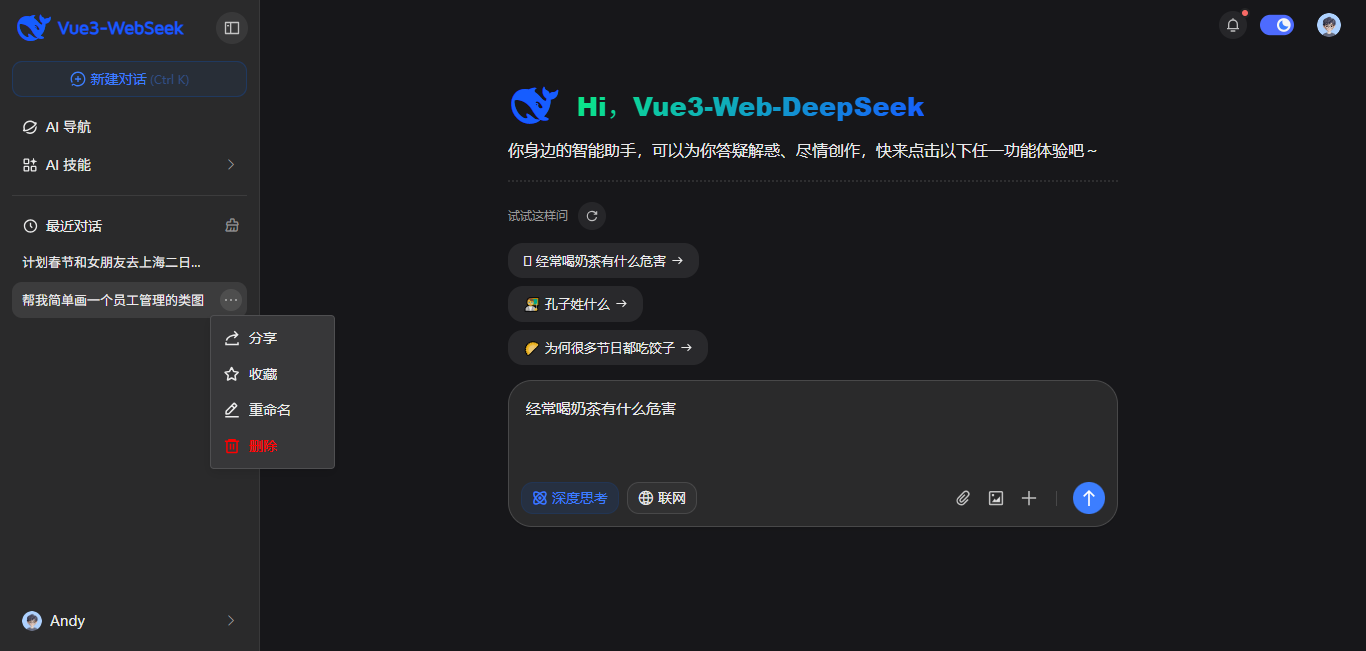
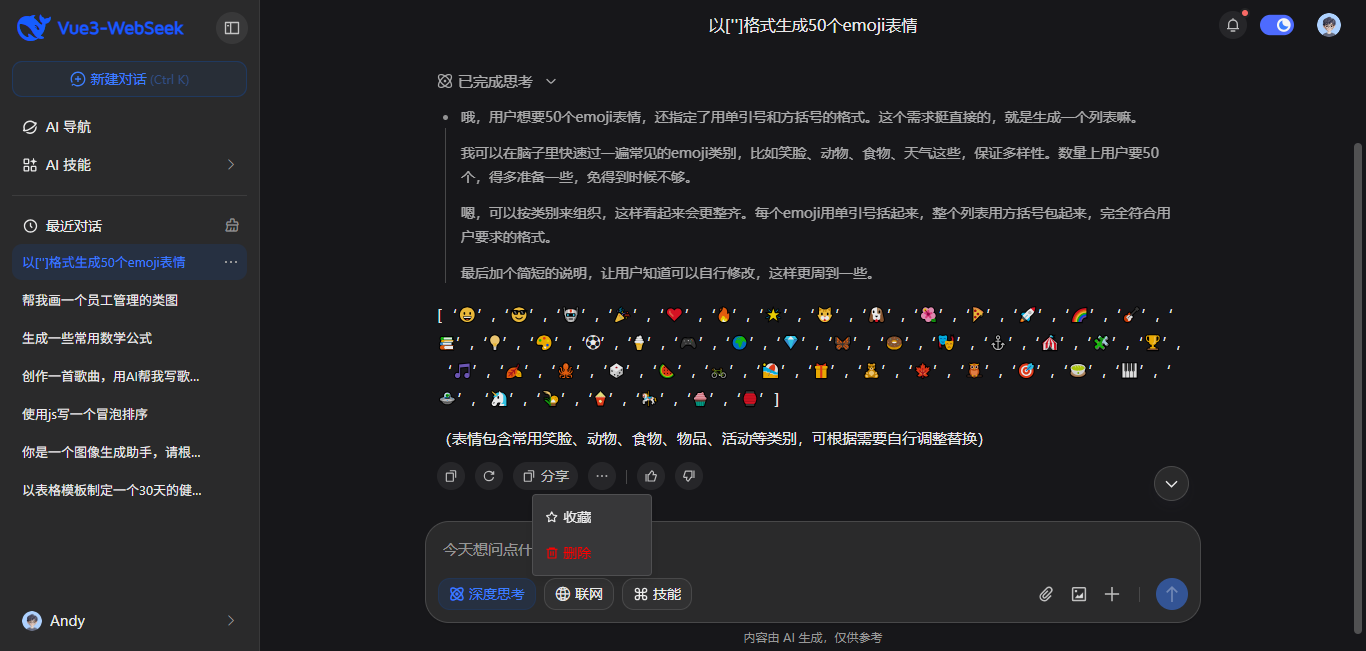
- 提供暗黑/浅色两种主题、侧边栏展开/收缩
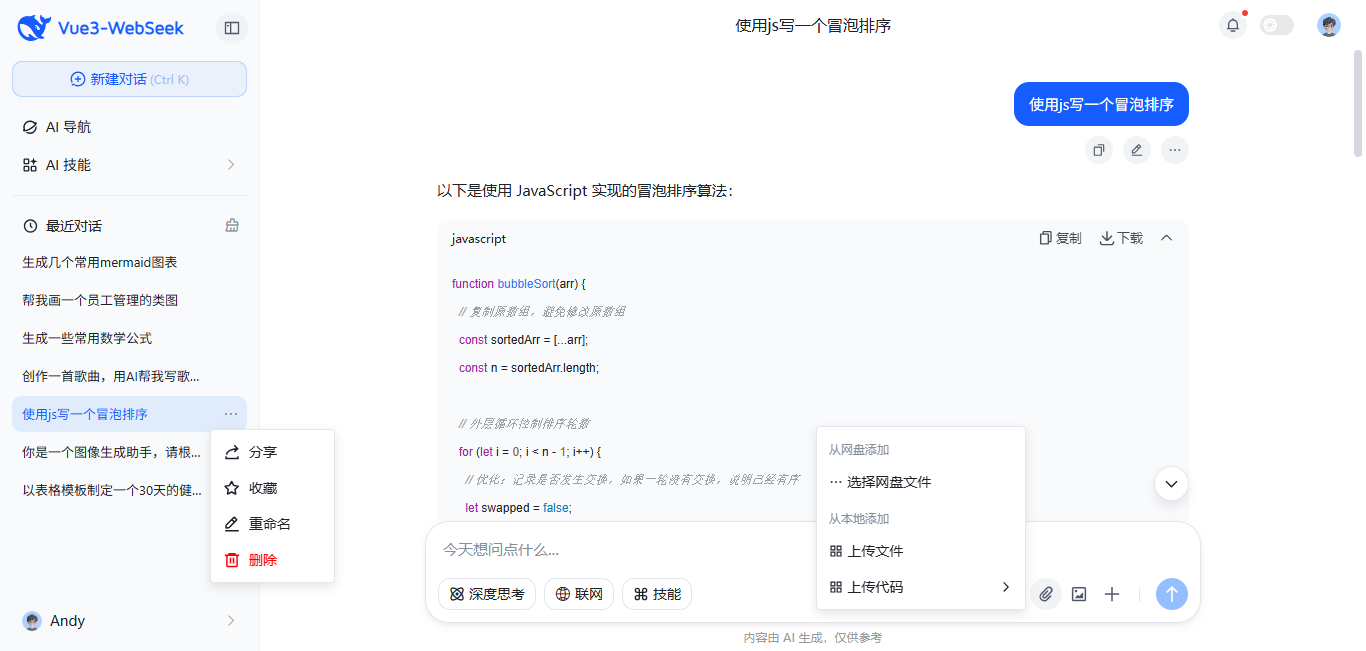
- 支持丰富Markdown样式,代码高亮/复制/收缩功能
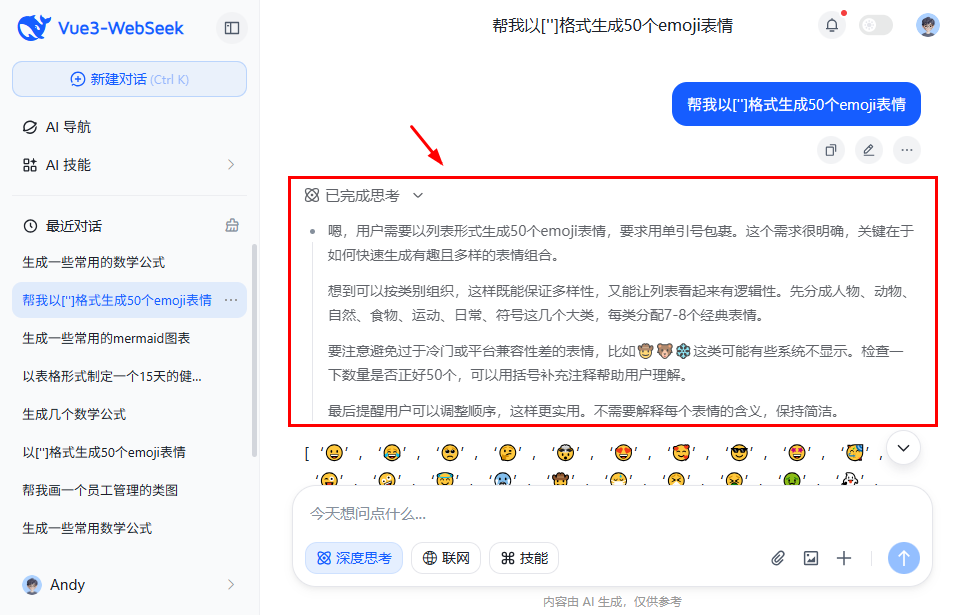
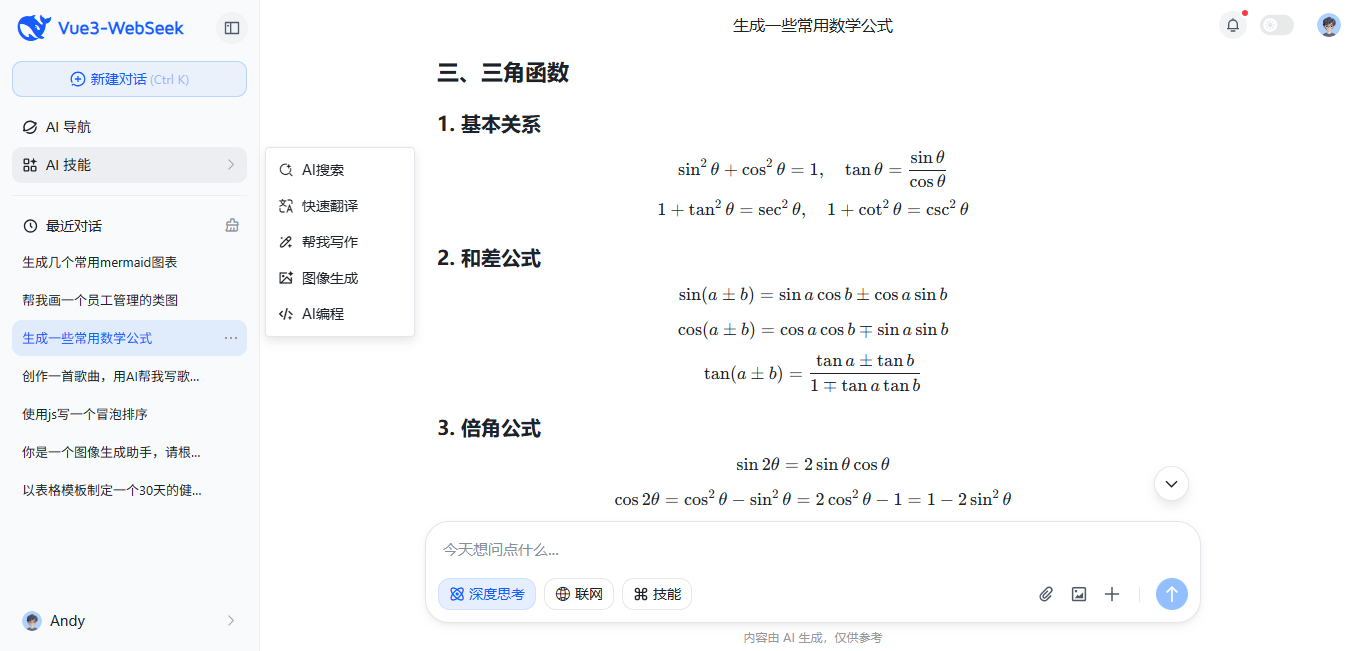
- 新增思考模式DeepSeek-R1
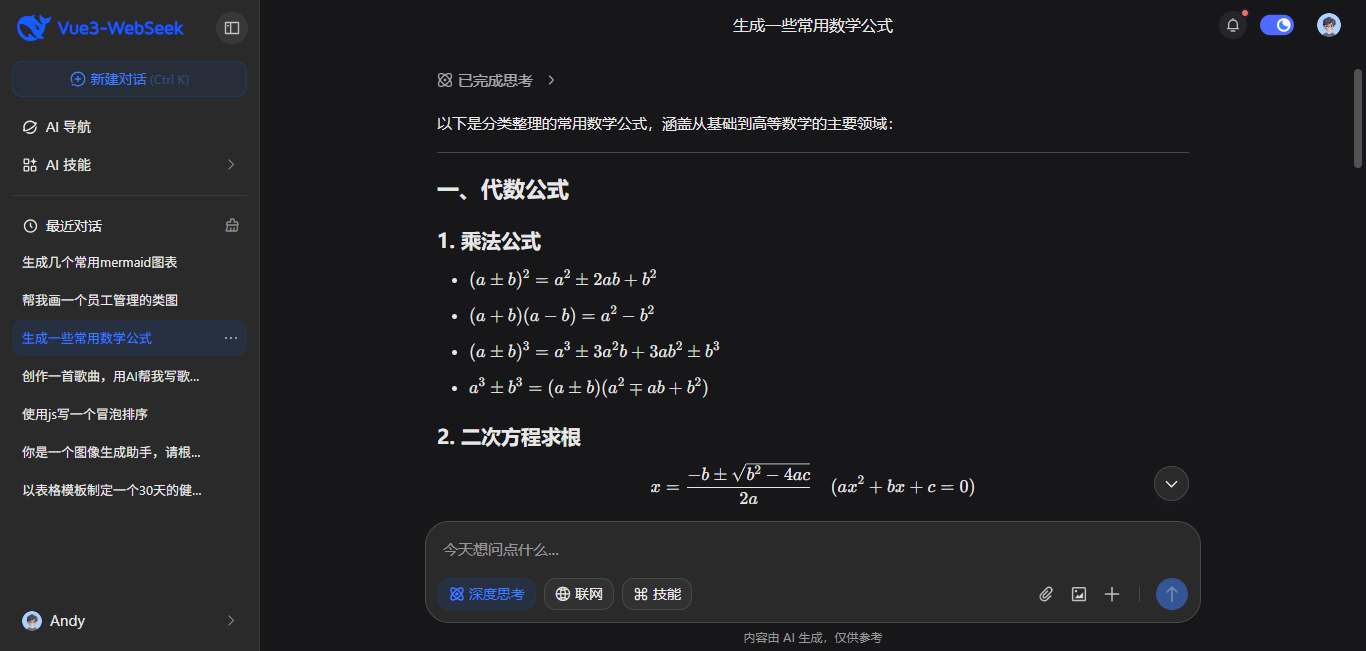
- 支持Katex数学公式
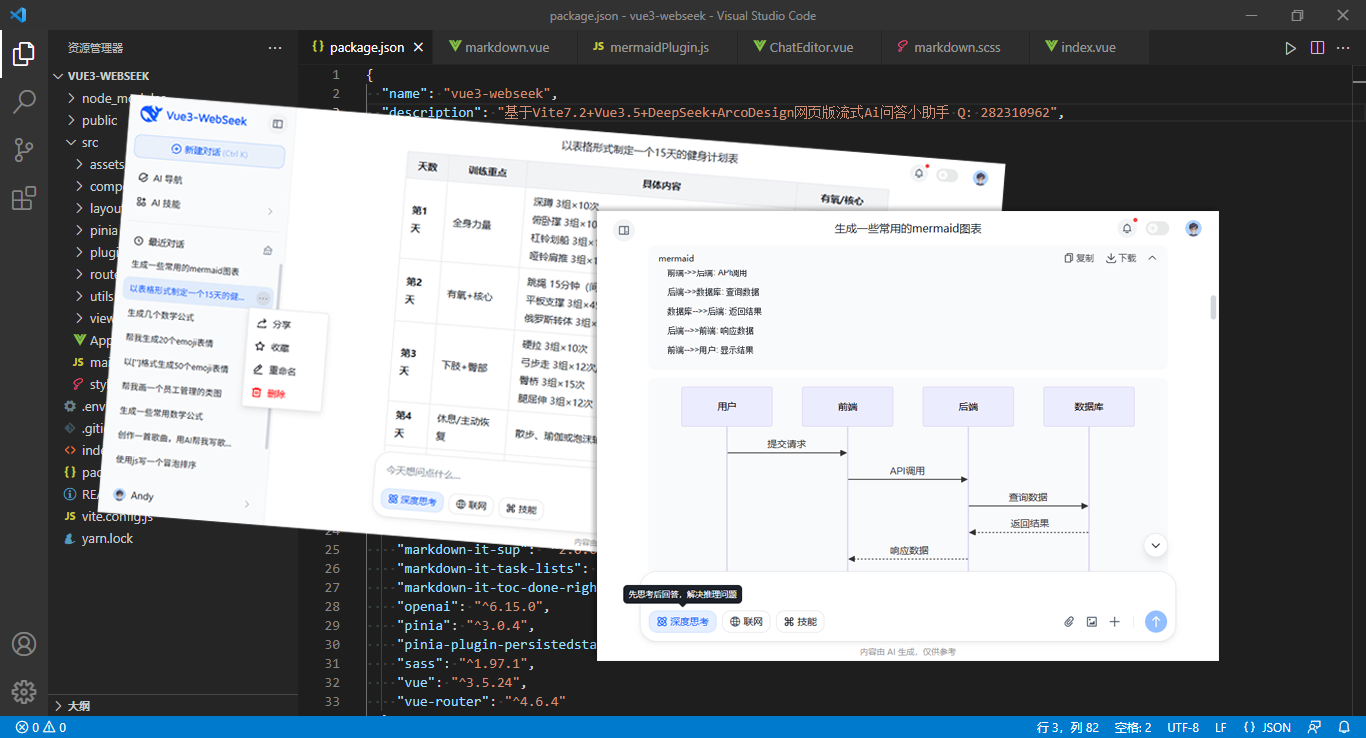
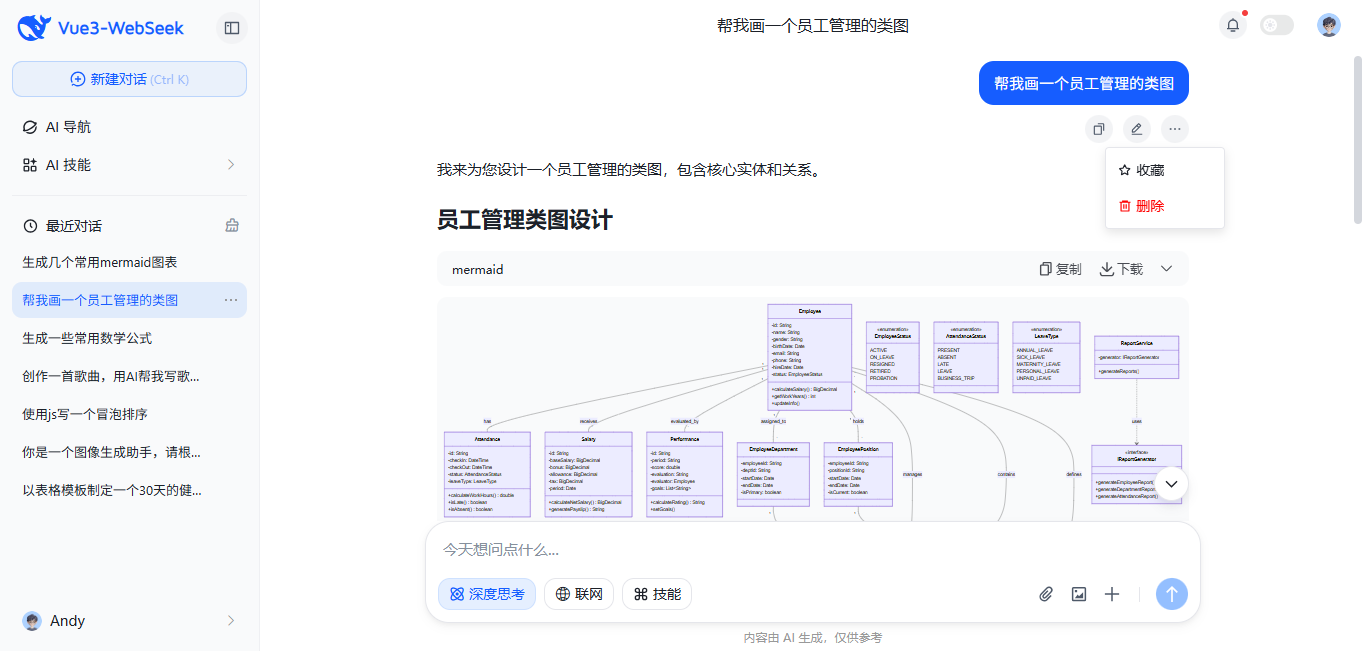
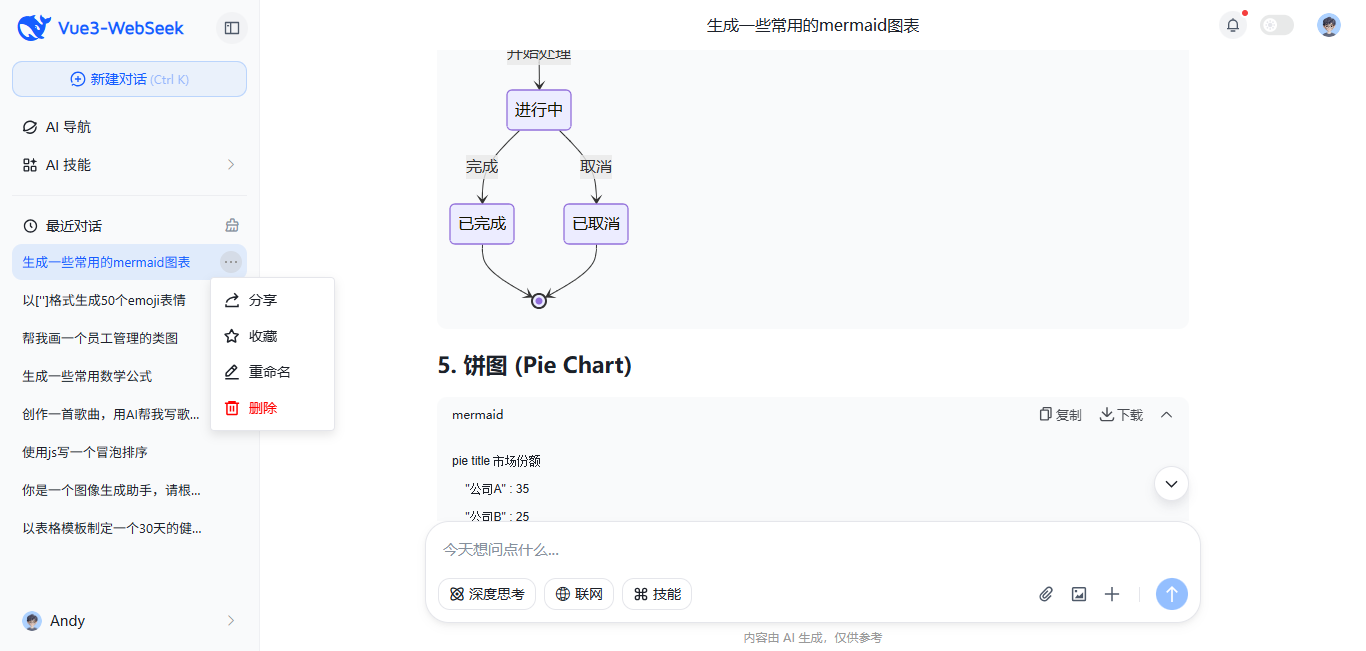
- 支持Mermaid各种甘特图/流程图/类图等图表
- 使用arco-design组件库,风格统一,美观大气
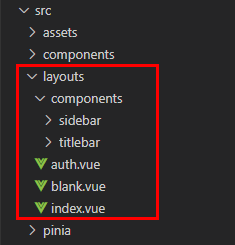
项目框架目录
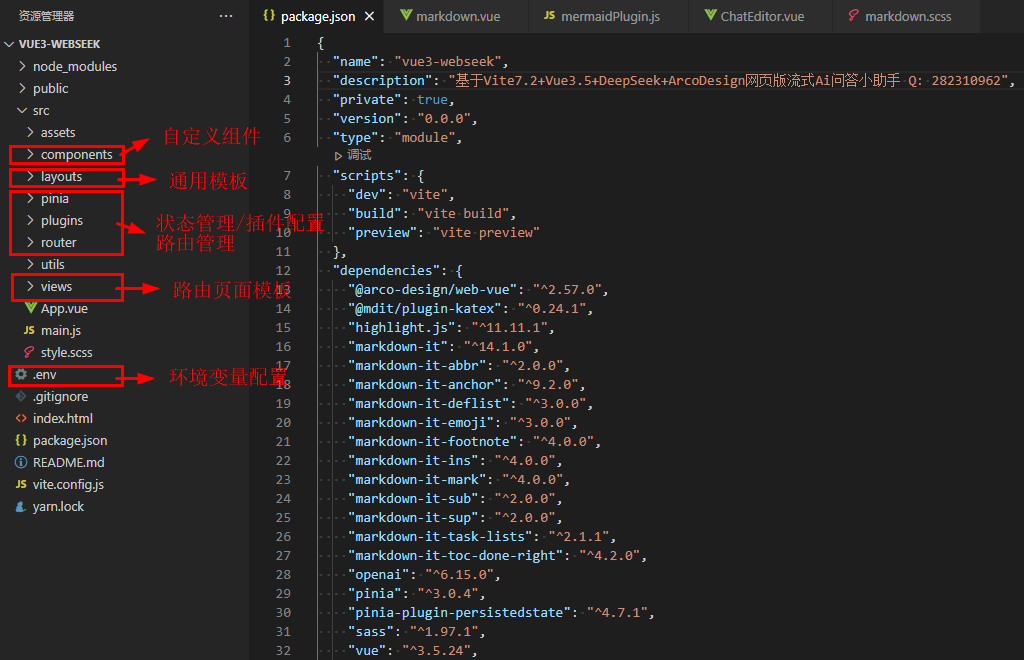
项目key配置
自己申请deepseek apikey,然后替换项目根目录下.env文件里的key即可。
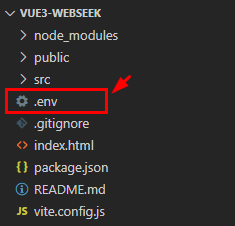
# title
VITE_APP_TITLE = 'Vue3-Web-DeepSeek'

# port
VITE_PORT = 3001

# 运行时自动打开浏览器
VITE_OPEN = true

# 开启https
VITE_HTTPS = false

# 是否删除生产环境 console
VITE_DROP_CONSOLE = true

# DeepSeek API配置
VITE_DEEPSEEK_API_KEY = 替换为你的 API Key
VITE_DEEPSEEK_BASE_URL = https://api.deepseek.com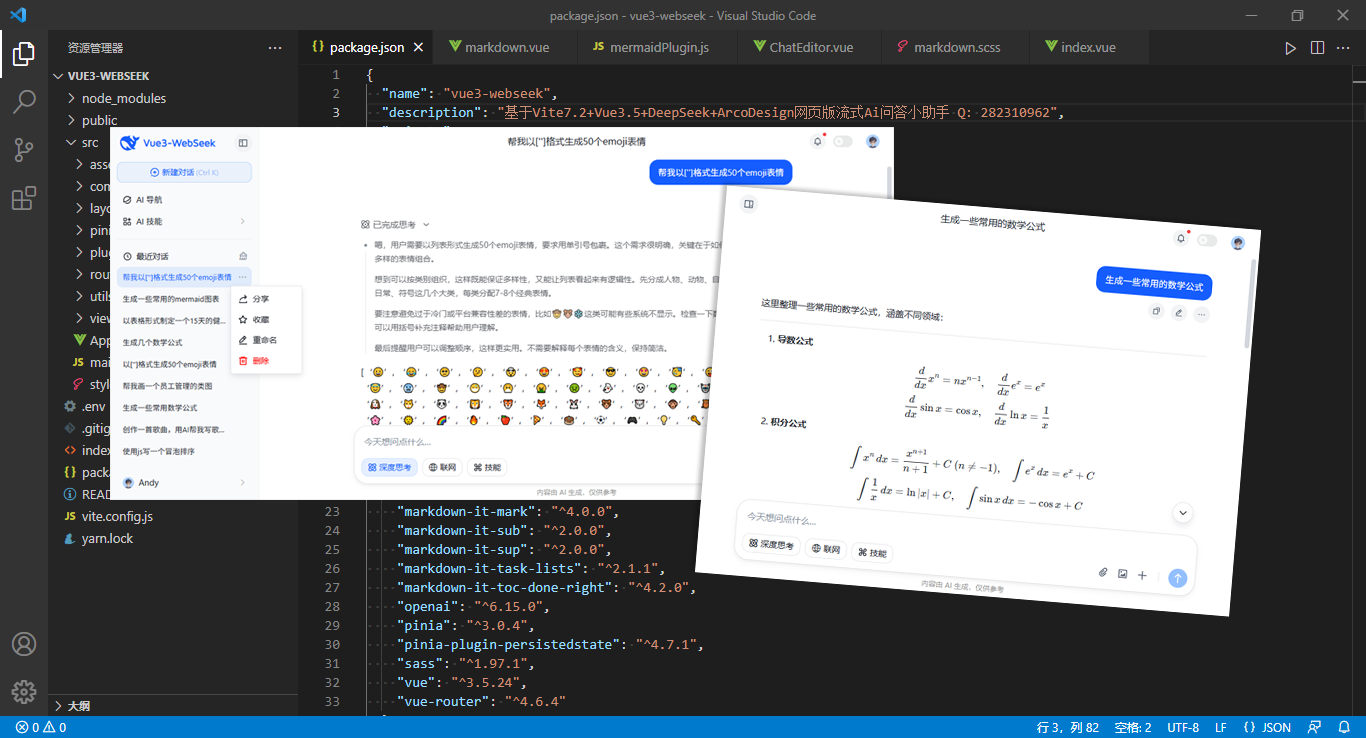
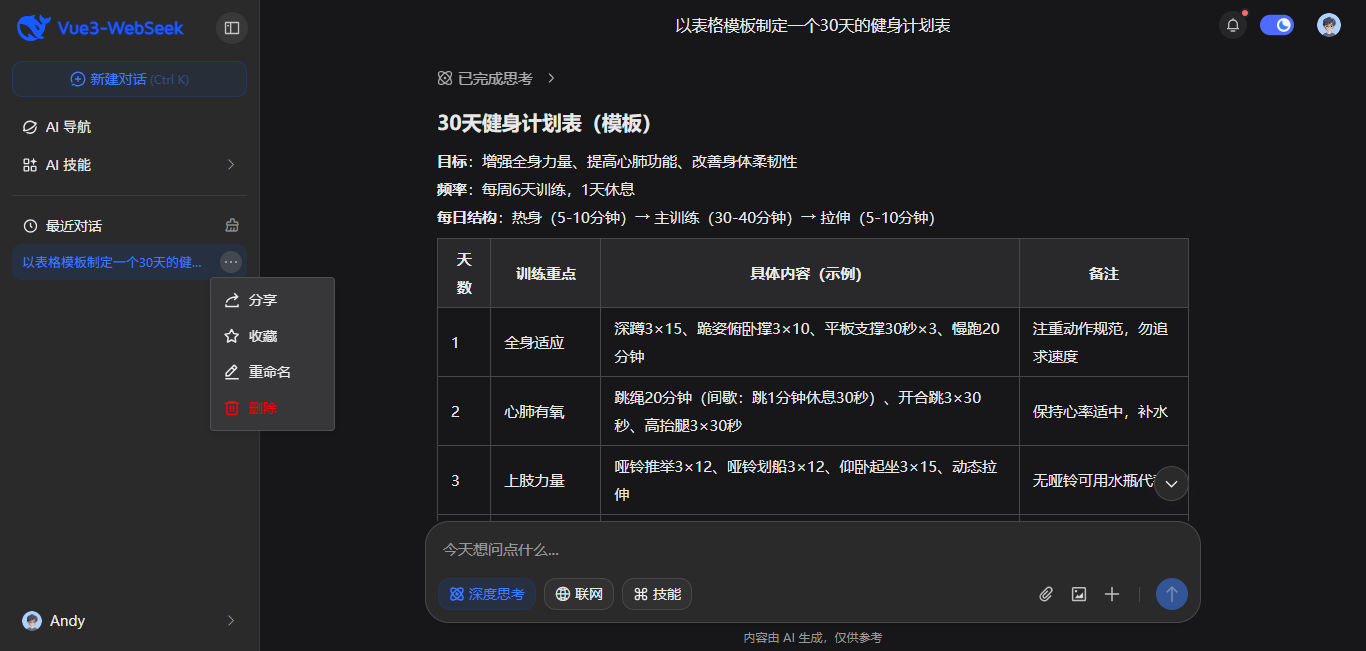
项目布局模板
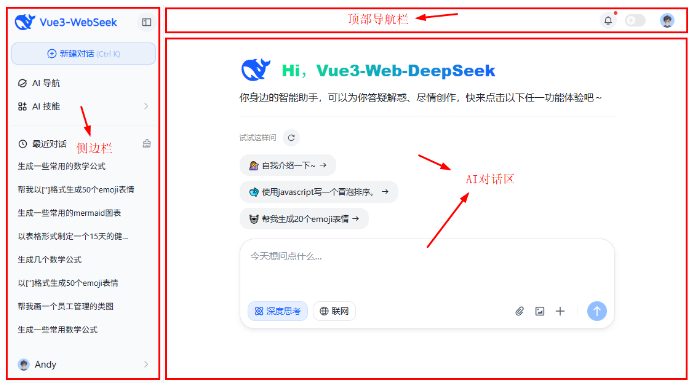
项目整体布局结构如下图所示:
<script setup>
  import Sidebar from '@/layouts/components/sidebar/index.vue'
</script>

<template>
  <div class="vu__container">
    <div class="vu__layout flexbox flex-col">
      <div class="vu__layout-body flex1 flexbox">
        <!-- 侧边区域 -->
        <Sidebar />

        <!-- 主面板区域 -->
        <div class="vu__layout-main flex1">
          <router-view v-slot="{ Component, route }">
            <keep-alive>
              <component :is="Component" :key="route.path" />
            </keep-alive>
          </router-view>
        </div>
      </div>
    </div>
  </div>
</template>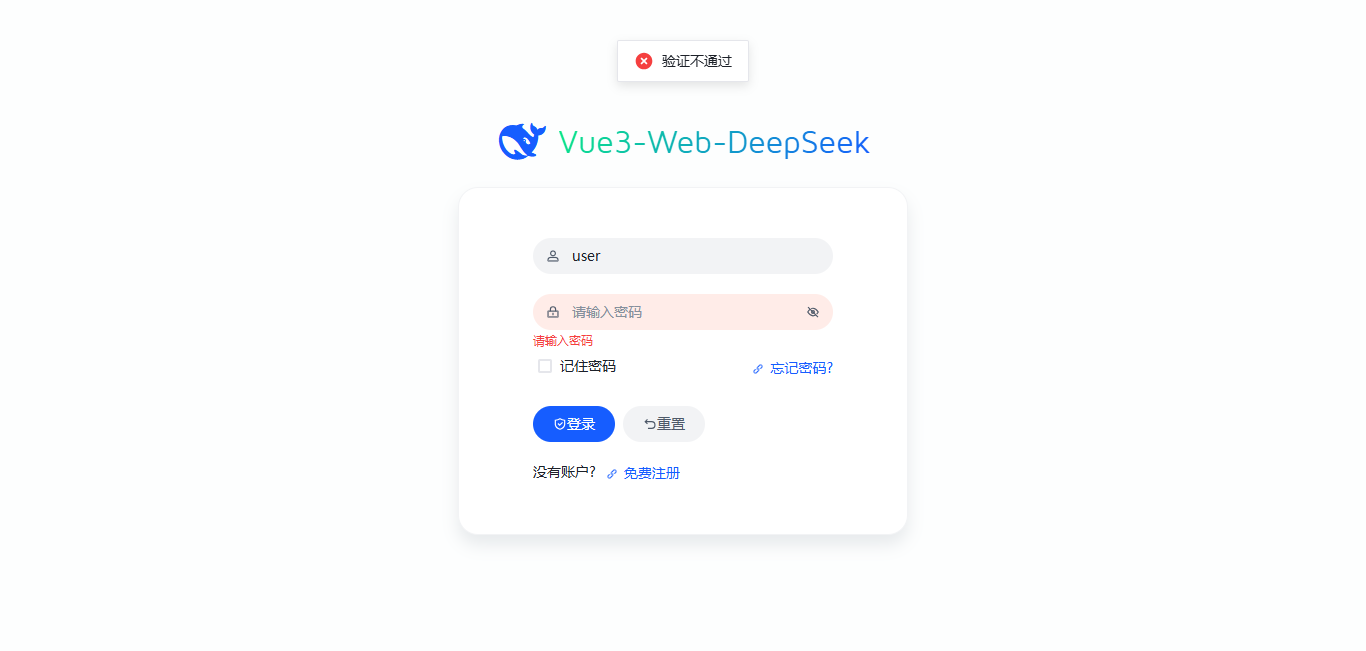
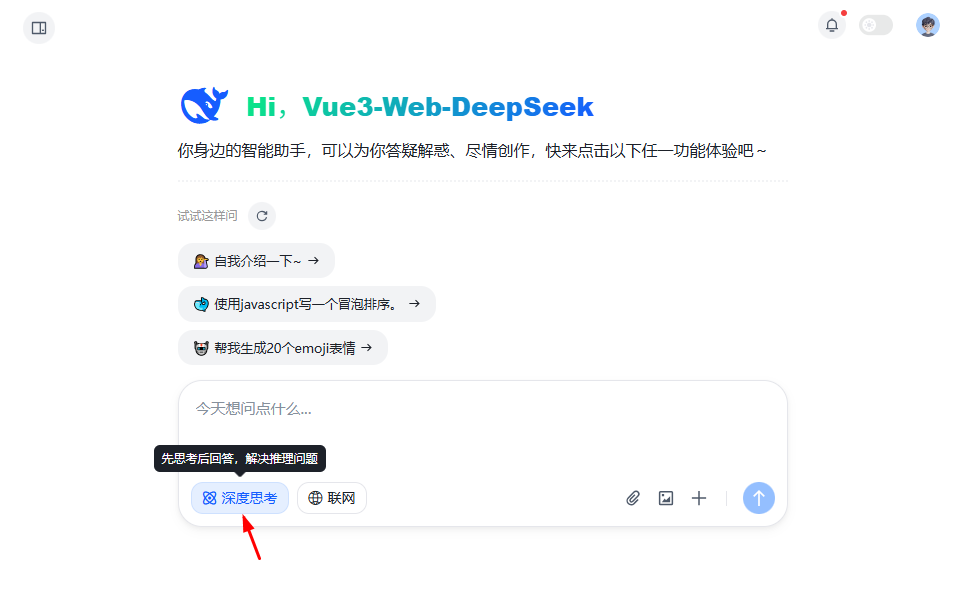
vue3集成deepseek深度思考
// 调用deepseek接口
const completion = await openai.chat.completions.create({
  // 单一会话
  /* messages: [
    {role: 'user', content: editorValue}
  ], */
  // 多轮会话
  messages: props.multiConversation ? historySession.value : [{role: 'user', content: editorValue}],
  // deepseek-chat对话模型 deepseek-reasoner推理模型
  model: sessionstate.thinkingEnabled ? 'deepseek-reasoner' : 'deepseek-chat',
  stream: true, // 流式输出
  max_tokens: 8192, // 一次请求中模型生成 completion 的最大 token 数(默认使用 4096)
  temperature: 0.4, // 严谨采样
})
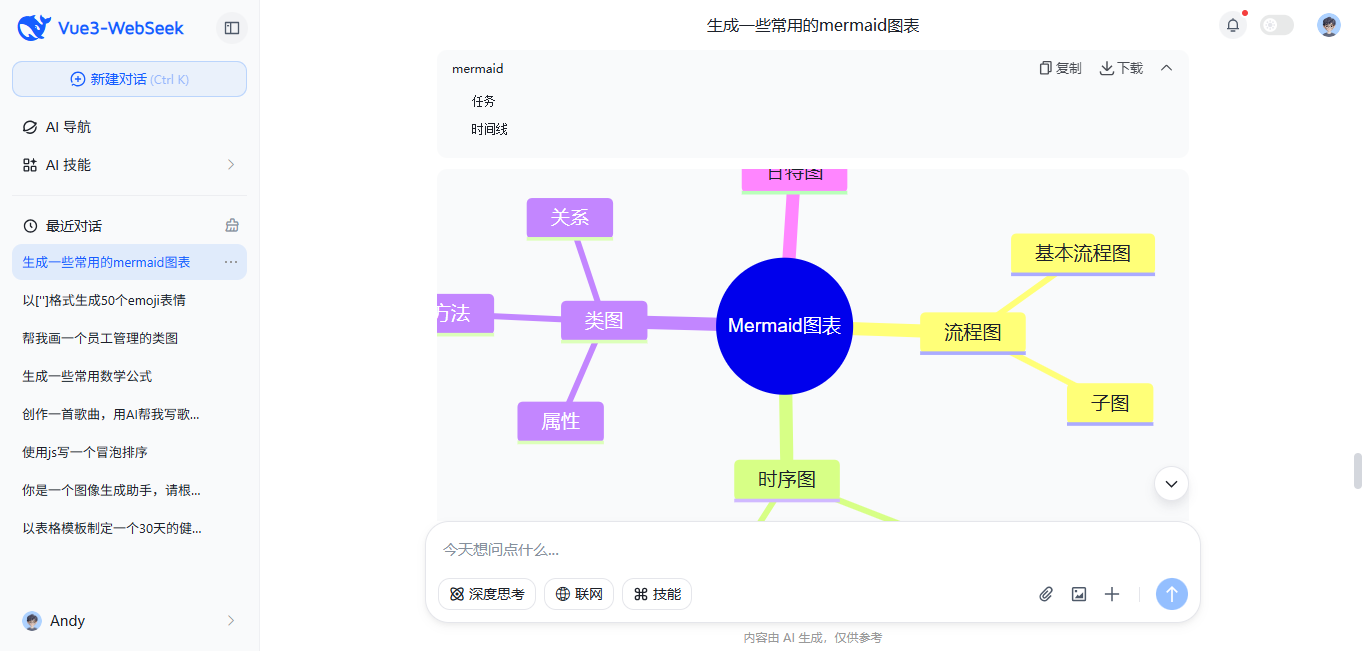
vue3+deepseek集成katex公式和mermaid图表
import { katex } from "@mdit/plugin-katex"; // 支持数学公式
import 'katex/dist/katex.min.css'
// 渲染mermaid图表
import { markdownItMermaidPlugin } from '@/components/markdown/plugins/mermaidPlugin'
解析markdown内容
<Markdown
  :source="item.content"
  :html="true"
  :linkify="true"
  :typographer="true"
  :plugins="[
    [katex, {delimiters: 'all'}],
    [markdownItMermaidPlugin, { ... }]
  ]"
  @copy="onCopy"
/>
vue3接入deepseek流式生成
// 调用deepseek接口
const completion = await openai.chat.completions.create({
  // 单一会话
  // messages: [{role: 'user', content: editorValue}],
  // 多轮会话
  messages: props.multiConversation ? historySession.value : [{role: 'user', content: editorValue}],
  // deepseek-chat对话模型 deepseek-reasoner推理模型
  model: sessionstate.thinkingEnabled ? 'deepseek-reasoner' : 'deepseek-chat',
  stream: true, // 流式输出
  max_tokens: 8192,
  temperature: 0.4
})
处理流式结果
for await (const chunk of completion) {
  // 检查是否已终止
  if(sessionstate.aborted) break

  const content = chunk.choices[0]?.delta?.content || ''
  // 获取推理内容
  const reasoningContent = chunk.choices[0]?.delta?.reasoning_content || ''

  if(content || reasoningContent) {
    answerText += content
    reasoningText += reasoningContent

    // 限制更新频率:每100ms最多更新一次
    const now = Date.now()
    if(now - lastUpdate > 100) {
      lastUpdate = now
      requestAnimationFrame(() => {
        // ...
      })
    }
  }
  if(chunk.choices[0]?.finish_reason === 'stop') {
    // ...
  }
}
Okay,以上就是vue3接入deepseek搭建网页版ai对话系统的一些项目分享。希望对大家有点帮助~
原创声明:本文系作者授权腾讯云开发者社区发表,未经许可,不得转载。
如有侵权,请联系 cloudcommunity@tencent.com 删除。
目录
腾讯云开发者

Copyright © 2013 - 2026 Tencent Cloud. All Rights Reserved. 腾讯云 版权所有
深圳市腾讯计算机系统有限公司 ICP备案/许可证号:粤B2-20090059  粤公网安备44030502008569号
腾讯云计算(北京)有限责任公司 京ICP证150476号 | 京ICP备11018762号