gitops实践-argocd初体验
原创
gitops实践-argocd初体验
原创
大侠之运维
发布于 2025-09-22 14:59:38
发布于 2025-09-22 14:59:38
关于argocd
什么是argocd?
适合k8s的,声明式的,持续交付的gitops工具。
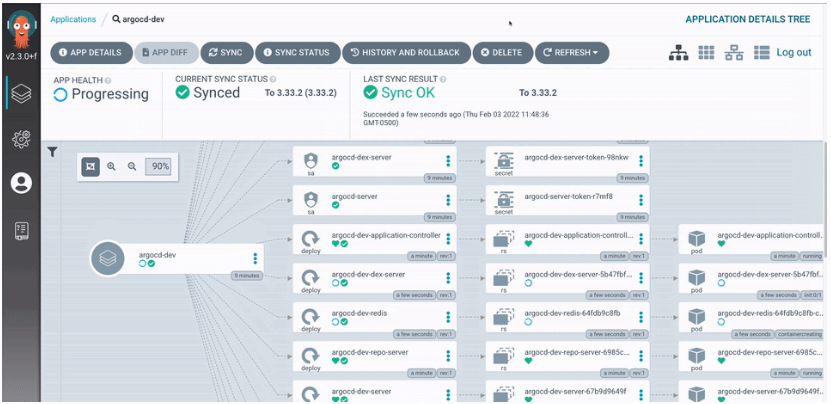
argocd 入门
- 1、安装 argocd
- 2、 运行第一个argocd工作流
- 3.、使用 argocd cli 管理 argocd
1. 安装 argocd
先创建argo的namespace
kubectl create namespace argocd根据你需要的版本,选择对应的yaml文件,然后应用
kubectl apply -n argo -f https://github.com/argoproj/argo-workflows/releases/download/v3.5.12/install.yaml安装完成后,确认下argo-server是否正常运行
kubectl get pods -n argo

# 确认workflow-controller是否正常运行

kubectl -n argo get deploy workflow-controller

# 确认argo-server是否正常运行

kubectl -n argo get deploy argo-server
在开始之前,我们需要等待argo-server和workflow-controller都正常运行
kubectl -n argo wait deploy --all --for condition=Available --timeout 2m2.什么是工作流?
工作流在kubernetes中是使用argo-workflows来实现的,argo-workflows是argo项目的一部分,argo-workflows是基于kubernetes的编排引擎,可以用来编排和管理复杂的任务和流程。
每个工作流由一个或多个模板组成,其中一个模板被定义为入口点,而模板有多种类型,如容器
如下是是一个简单的hello world工作流
apiVersion: argoproj.io/v1alpha1

kind: Workflow

metadata:

  name: hello

spec:

  serviceAccountName: argo # this is the service account that the workflow will run with

  entrypoint: main # the first template to run in the workflows

  templates:

  - name: main

    container: # this is a container template

      image: busybox # this is the image to run

      command: ["echo"]

      args: ["hello world"]
我们通过如下命令来执行该工作流
kubectl -n argo apply -f hello-workflow.yaml等待上述完成
kubectl -n argo wait workflows/hello --for condition=Completed --timeout 2m使用ui查看工作流
关于argo-server的认证有三种配置
- 1.server模式 在托管模式下,使用服务器的服务账户,在本地模式下,使用本地kube配置
- 2.client模式,使用客户端的k8s不记名令牌
- 3.sso模式,单点登录
对于 v3.0 及更高版本,默认为client 。在 v3.0 之前,它是server
这里配置为server模式,可以暂时绕过ui登录
为了演示这里禁止了https,生产建议开启
kubectl patch deployment \

  argo-server \

  --namespace argo \

  --type='json' \

  -p='[{"op": "replace", "path": "/spec/template/spec/containers/0/args", "value": [

  "server",

  "--auth-mode=server",

  "--secure=false"

]},

{"op": "replace", "path": "/spec/template/spec/containers/0/readinessProbe/httpGet/scheme", "value": "HTTP"}

]'
然后等待server的重新部署
kubectl -n argo rollout status --watch --timeout=600s deployment/argo-server

```bash
然后通过端口转发来查看用户界面
kubectl -n argo rollout status --watch --timeout=600s deployment/argo-server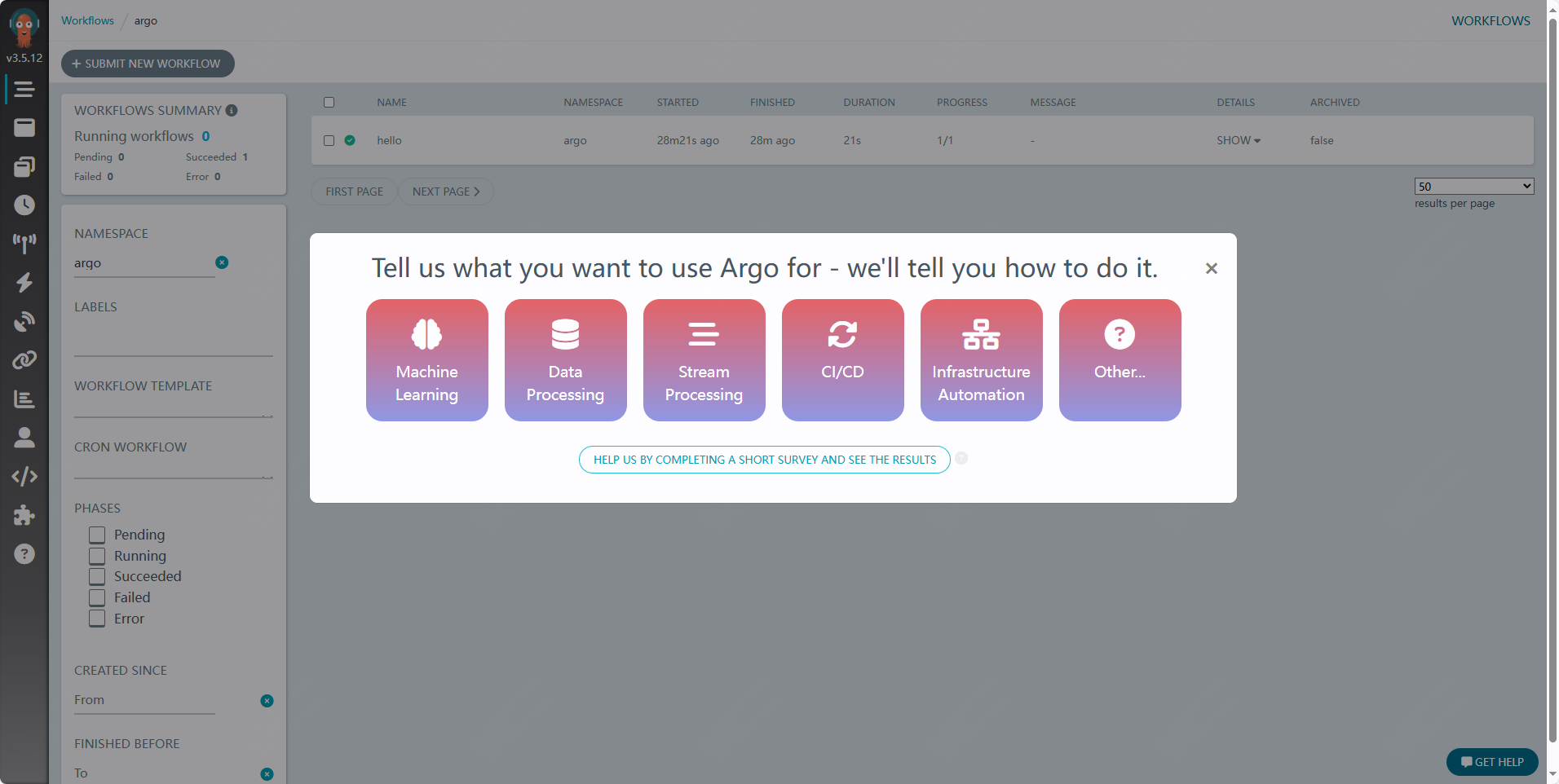
我们可以在页面上尝试新建一个工作流
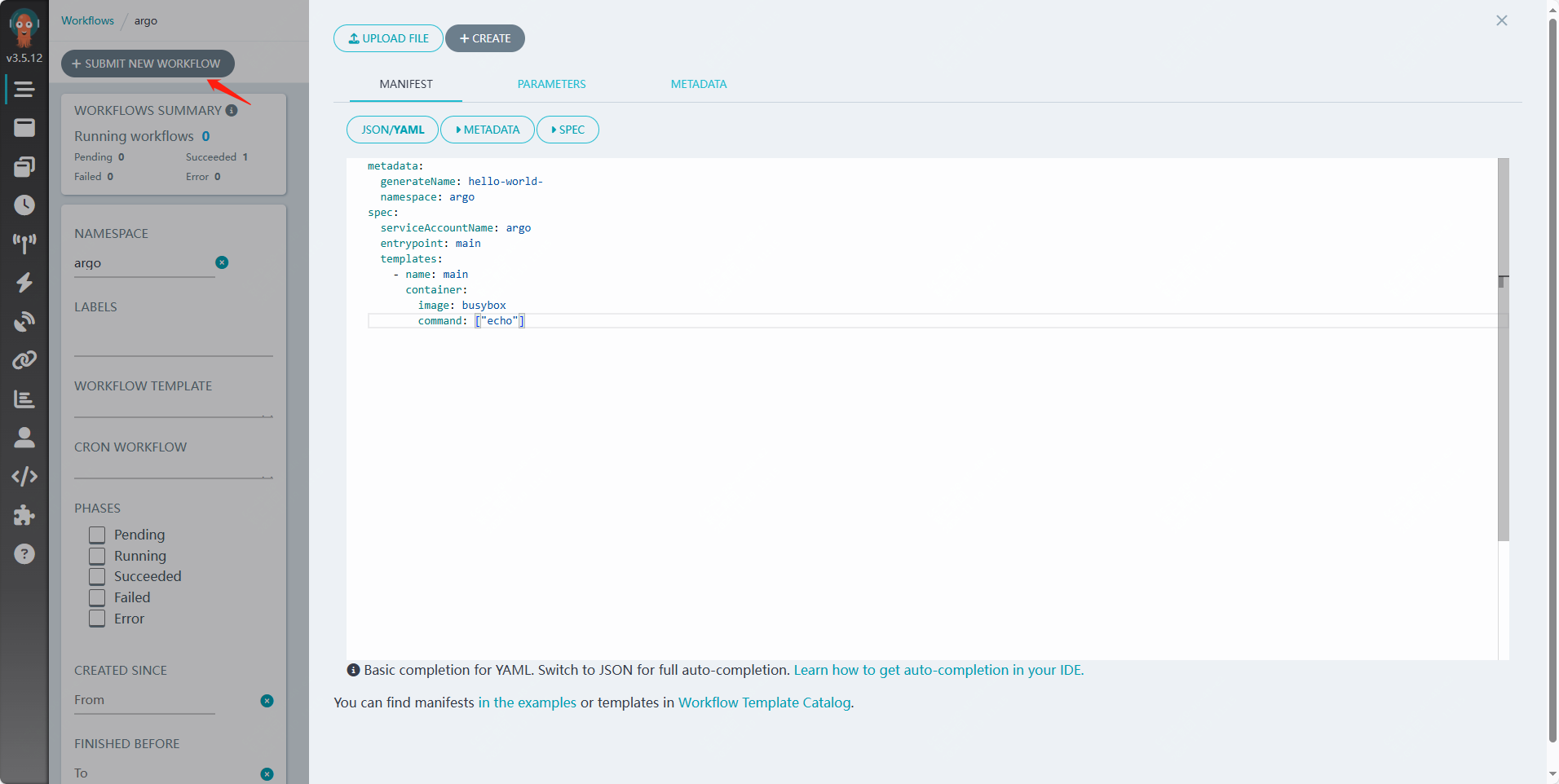
可以使用如下的临时配置
metadata:

  generateName: hello-world-

  namespace: argo

spec:

  serviceAccountName: argo

  entrypoint: main

  templates:

    - name: main

      container:

        image: busybox

        command: ["echo"]
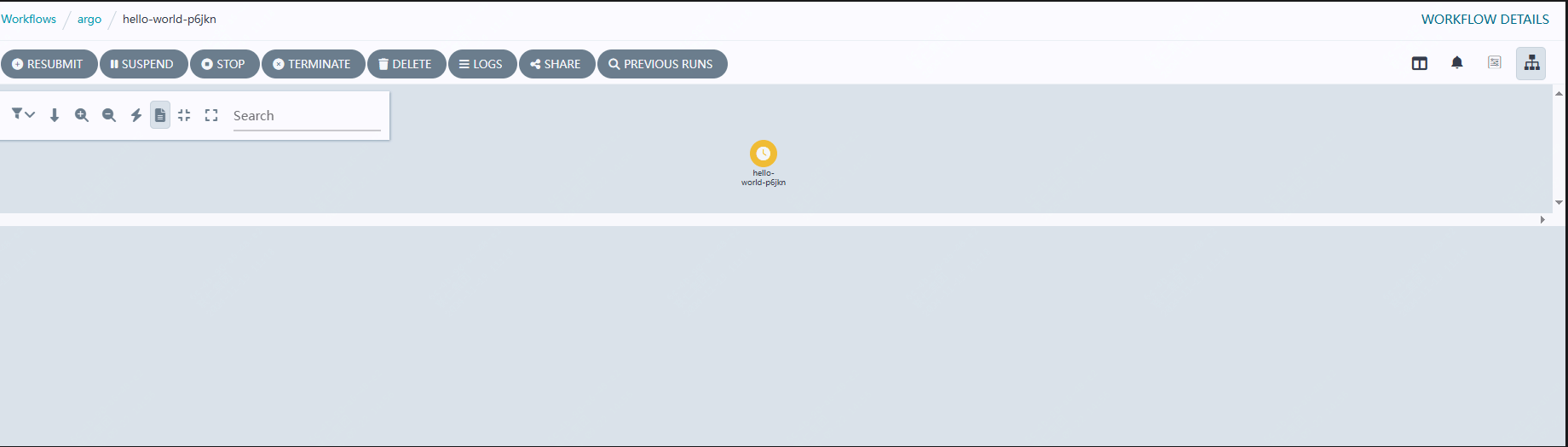
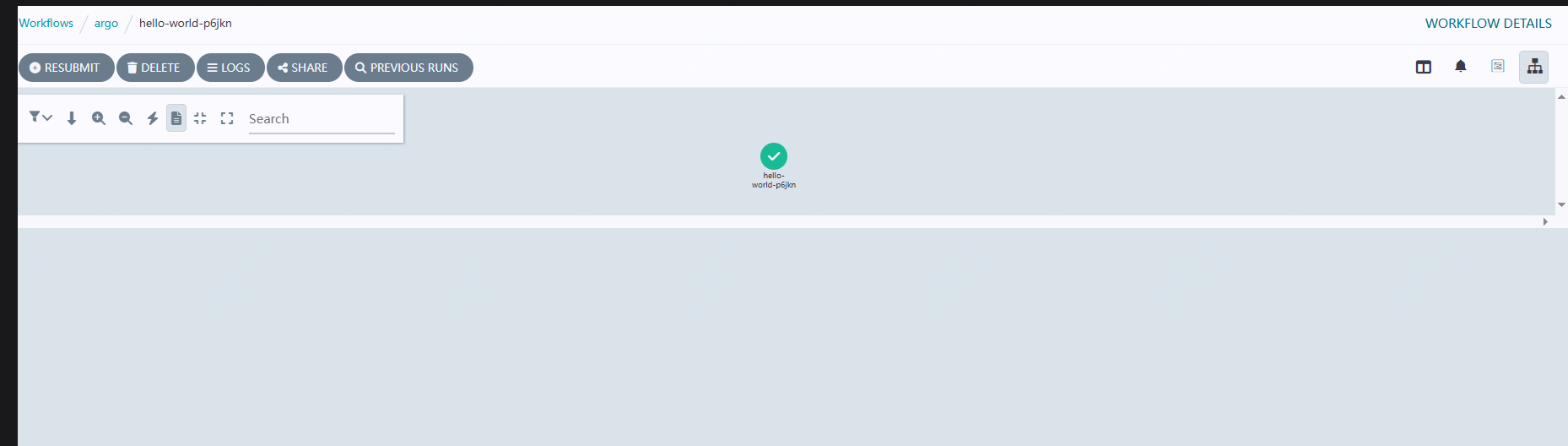
可以看到由黄色变为了绿色即部署完成
3. 使用 argocd cli 管理 argocd
先安装argocd cli
curl -sLO https://github.com/argoproj/argo-workflows/releases/download/v3.5.12/argo-linux-amd64.gz

chmod +x argo-linux-amd64

mv ./argo-linux-amd64 /usr/local/bin/argo
通过如下查看
argo version
通过如下命令来尝试下通过cli运行工作流
argo submit -n argo --serviceaccount argo --watch https://raw.githubusercontent.com/argoproj/argo-workflows/master/examples/hello-world.yaml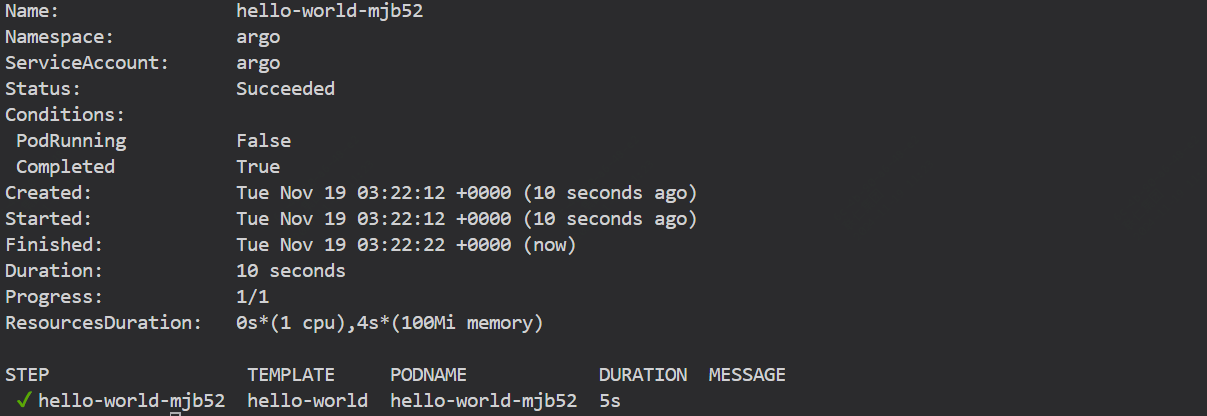
如下命令可以查看
argo list -n argo如何使用--name 更改工作流名称
argo submit -n argo --serviceaccount argo --name my-hello-world --watch https://raw.githubusercontent.com/argoproj/argo-workflows/master/examples/hello-world.yaml原创声明:本文系作者授权腾讯云开发者社区发表,未经许可,不得转载。
如有侵权,请联系 cloudcommunity@tencent.com 删除。
原创声明:本文系作者授权腾讯云开发者社区发表,未经许可,不得转载。
如有侵权,请联系 cloudcommunity@tencent.com 删除。
评论
登录后参与评论
推荐阅读
目录
腾讯云开发者

Copyright © 2013 - 2026 Tencent Cloud. All Rights Reserved. 腾讯云 版权所有
深圳市腾讯计算机系统有限公司 ICP备案/许可证号:粤B2-20090059  粤公网安备44030502008569号
腾讯云计算(北京)有限责任公司 京ICP证150476号 | 京ICP备11018762号